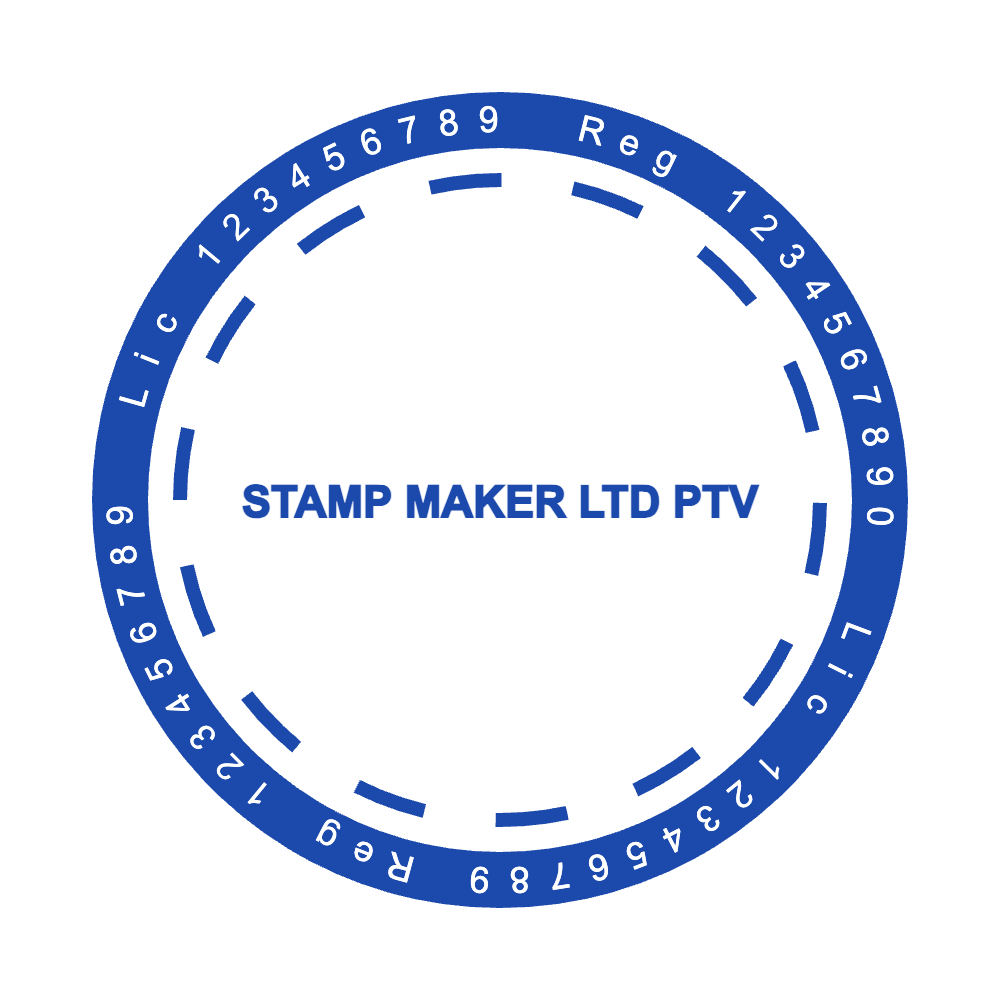
 Circle stamp
Professional Multi-Layer Round Stamp
Custom stamps
Custom stamps · Round · 38 mm
This exact template is loaded below. Change its wording, border, symbol, size and ink color before choosing a file format.
Plate size · Loading...
A general layout like this works for almost any short message, name or label you want to stamp repeatedly. This round custom stamp template starts at 38 mm. Curved text follows the border in three arcs: “LOGISTICS LTD”, “D-HOME INTERNATIONAL” and “STAMPMAKER.MSR”. A straight line across the layout reads “2021”. The border is built from two rings, each with its own thickness setting. One symbol or image layer can be kept, moved or replaced with your own logo. The sample uses American Captain Cyrillic and Arial, and every text layer can switch to another font. The sample is clean, with ink wear switched off, so texture can be added once the layout is final.
This layout belongs to the custom stamp templates collection, which has 12 editable designs. For wording and layout advice, read the online stamp maker tips. To start from a blank canvas instead, open the free stamp maker.
Select each text layer and type your own details, starting with the longest line, “D-HOME INTERNATIONAL”. It decides how much room the rest of the stamp has. Copy names and numbers from the original record rather than from memory.
A longer name may need a smaller font, tighter letter spacing or a different arc radius. Check both ends of each arc and keep a visible gap between the letters and the border.
Upload the cleanest version of your logo and leave space around it. A bitmap logo stays a bitmap even inside an SVG export, so start from the best original you have.
The template starts at 38 mm. Set the final size, place a preview on the document where the stamp will be used, then choose the file. Editing is free; downloads start at $2.50 for a transparent PNG.
Circle stampCustom stamps
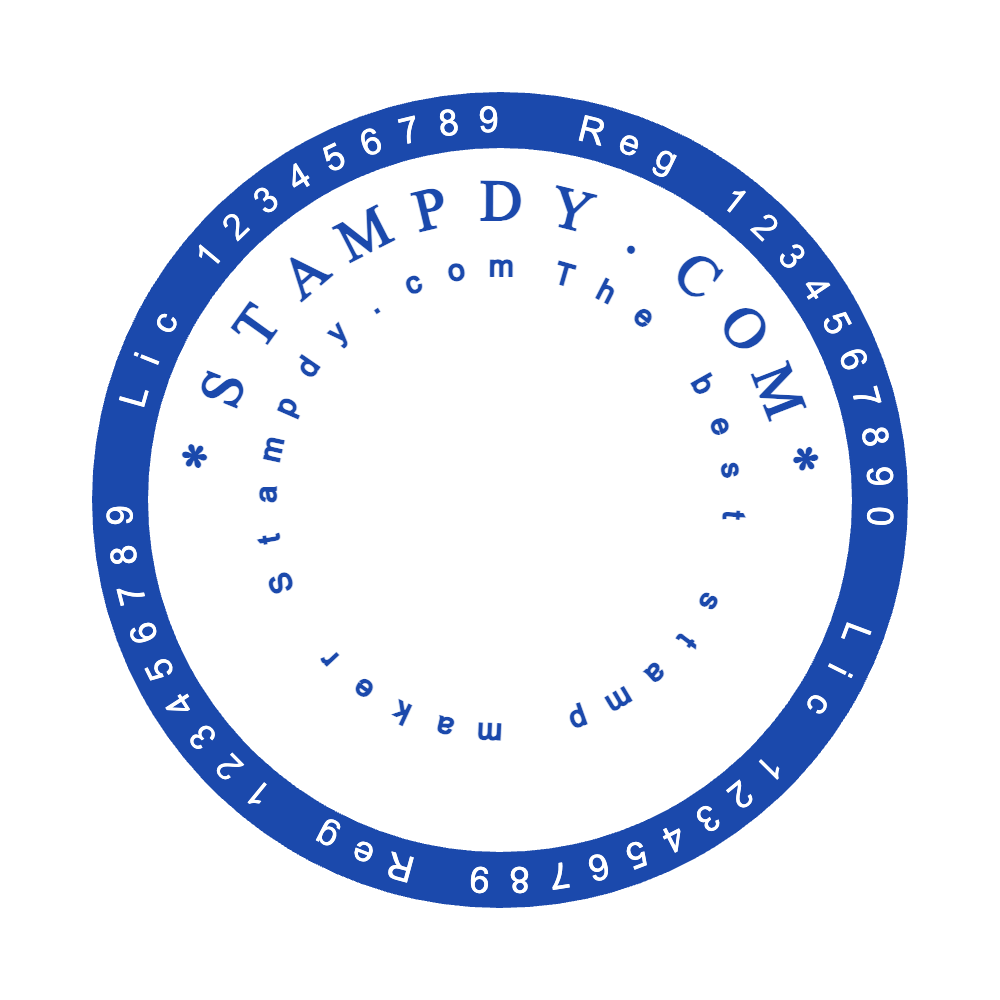 Circle stamp
Custom stamps
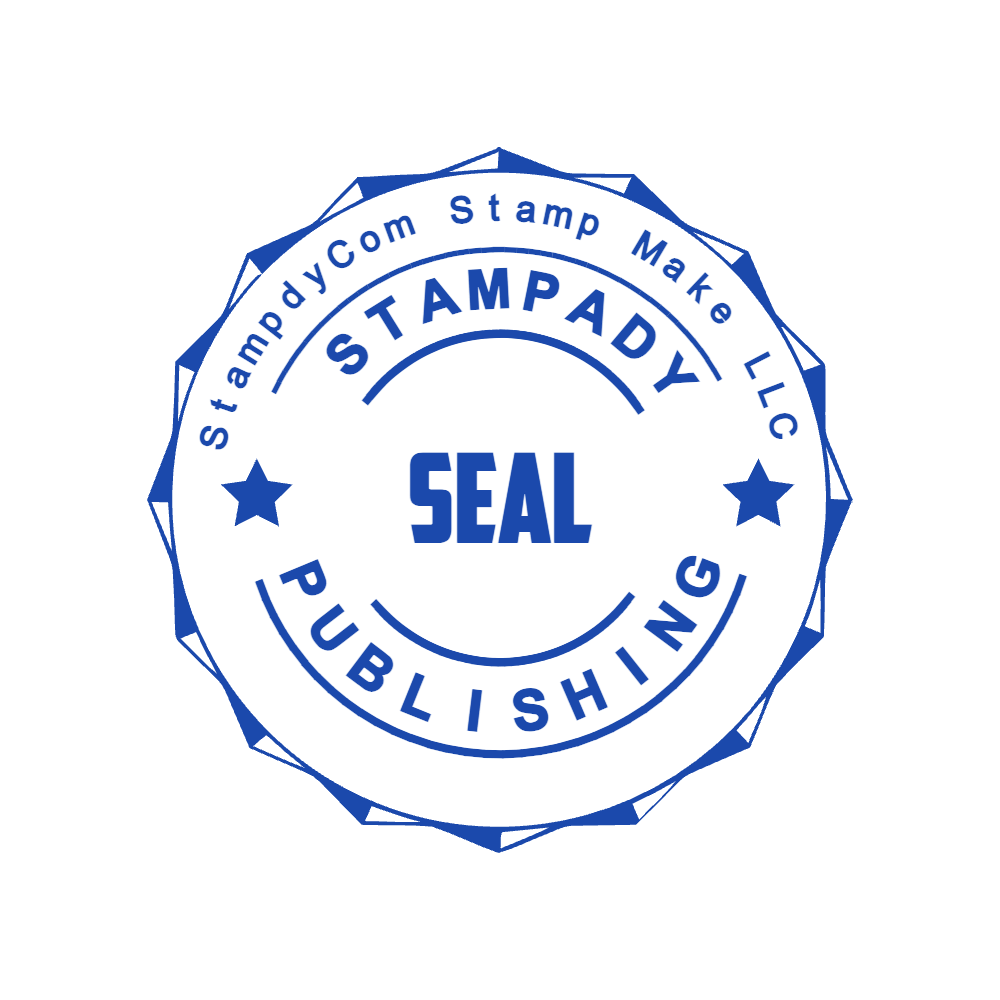 Circle stamp
Custom stamps
 Circle stamp
Custom stamps
 Rectangle stamp
Custom stamps
 Circle stamp
Custom stamps
Text, borders and image elements remain separate, so a correction does not require rebuilding the stamp.
The starting plate size is 38 mm. Confirm the finished dimensions with your printer or stamp manufacturer.
Compare the available formats on the PNG and SVG stamp downloads page: use PNG for documents and websites, or choose SVG and EPS when the design must resize cleanly for production.