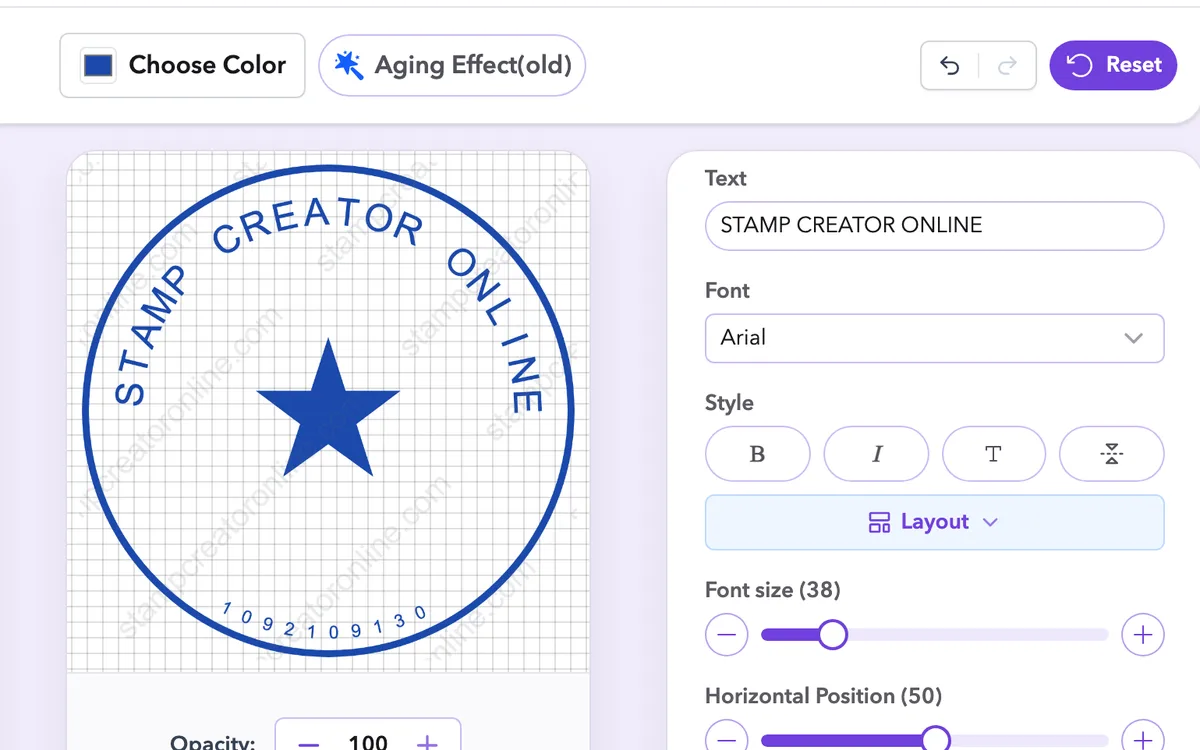
Undo and redo every change
Step back and forward with the buttons above the canvas or Ctrl/Cmd + Z, so a wrong move is never final.
Free online stamp maker, create professional-quality stamps in minutes. No registration required.
Designed for Mobile, Built for You
Plate size · Loading...
Simple Tools, Powerful Results
Need a stamp for your business, personal use, or something more official? At Stamp Creator Online, you can create your own rubber stamp, company seal, or custom design in just a few minutes — no design skills needed, no software to download. Our platform works like a powerful yet easy-to-use stamp maker, designed for everyone.
Our online rubber stamp creator is made for everyone. Whether you’re a freelancer who needs a quick signature stamp, a small business owner looking to add a logo to your documents, or someone preparing a notary or wedding layout — we’ve got a wide selection of ready-to-edit stamp templates waiting for you.
Start by selecting the shape of your stamp — circle, rectangle, triangle, or oval. Each shape supports different layout needs and looks.
Enter your custom text. You can add text along the inner or outer frame, or place it in the center. All text elements can be resized, rotated, and aligned.
Play with fonts, colors, borders, line breaks, spacing, and more. With Stamp Creator Online, you get pixel-level precision.
Download your stamp in multiple file formats — perfect for digital use or for production at a print shop.
Inside the editor
Every tool below is part of the free stamp maker. Try them on any template before you choose a download.
Step back and forward with the buttons above the canvas or Ctrl/Cmd + Z, so a wrong move is never final.
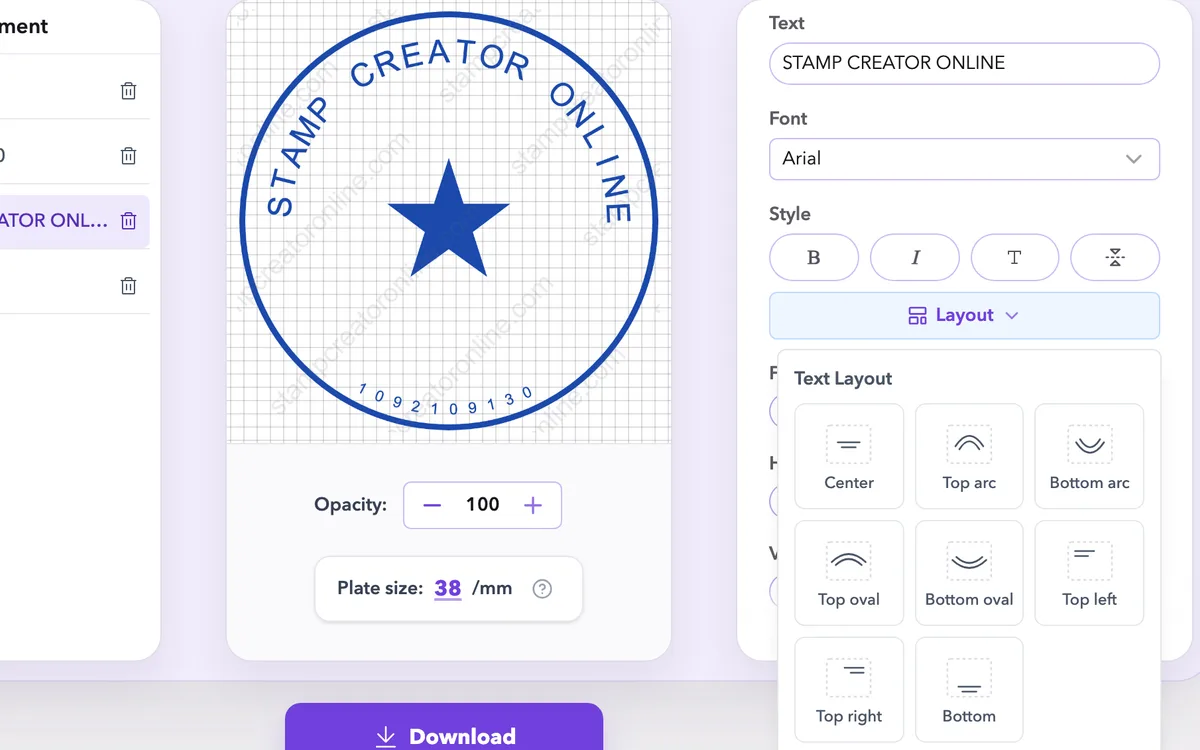
Put the company name on the ring and the details on straight lines, then adjust size, spacing and position until everything fits.
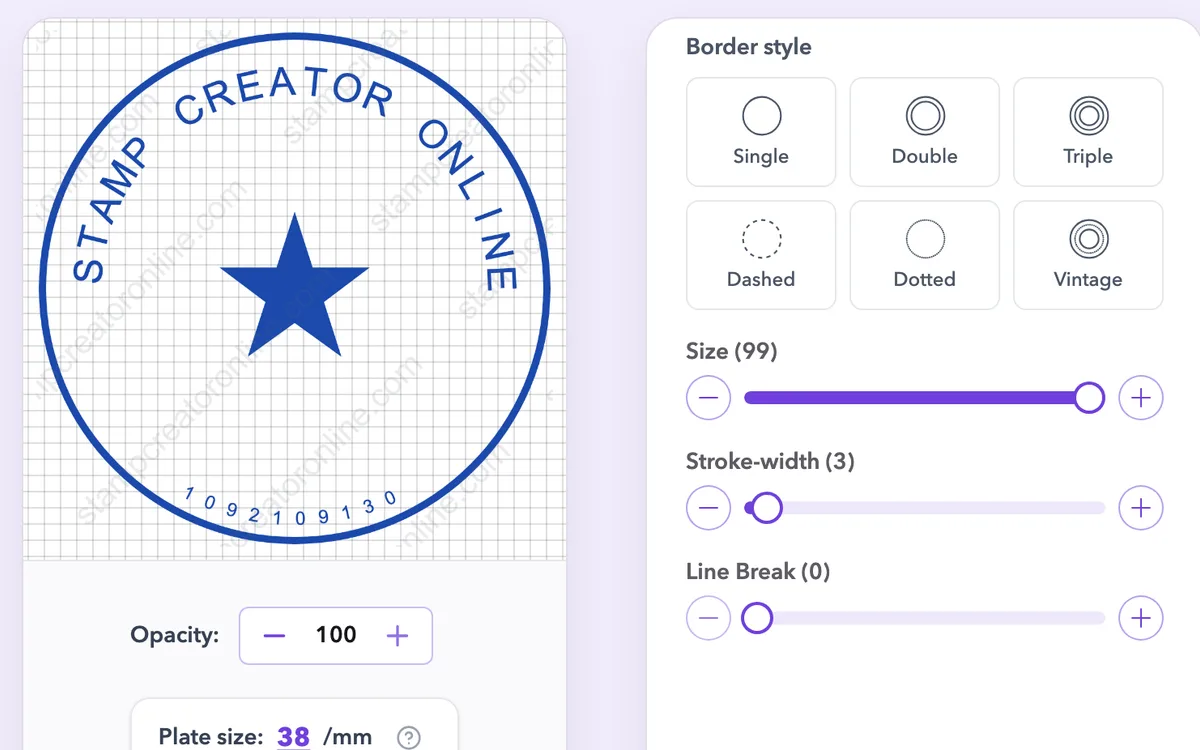
Choose rings, double lines, dots and frames from a visual list, then change thickness and colour on the canvas.
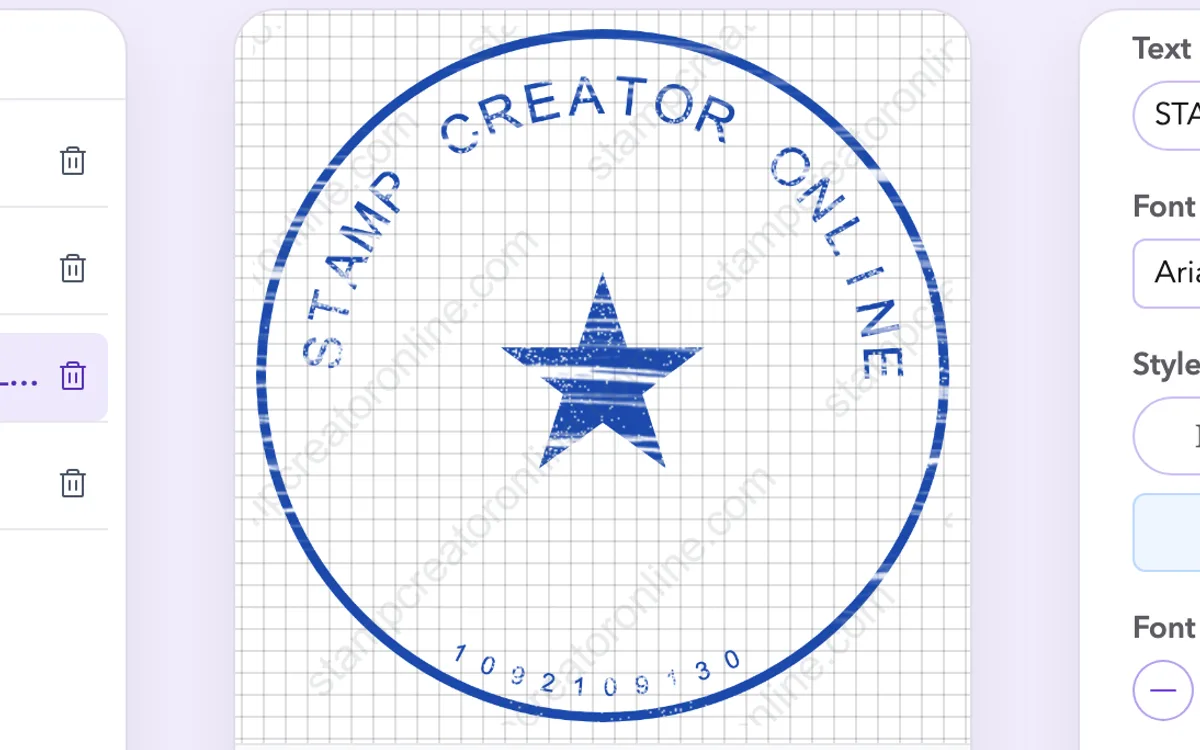
Add worn, uneven ink for a stamp that looks pressed by hand, or keep the lines crisp for print.
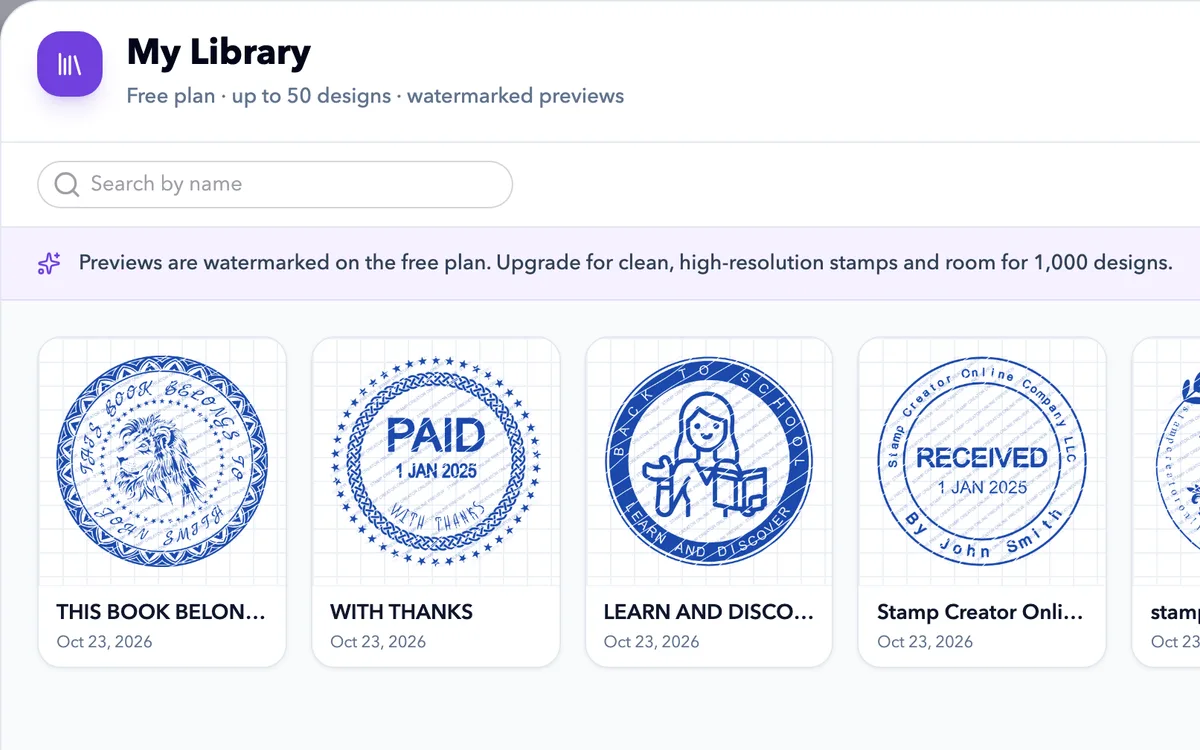
Save a design to reopen and edit later. Free accounts keep up to 50; paid plans keep up to 1,000 with clean images.
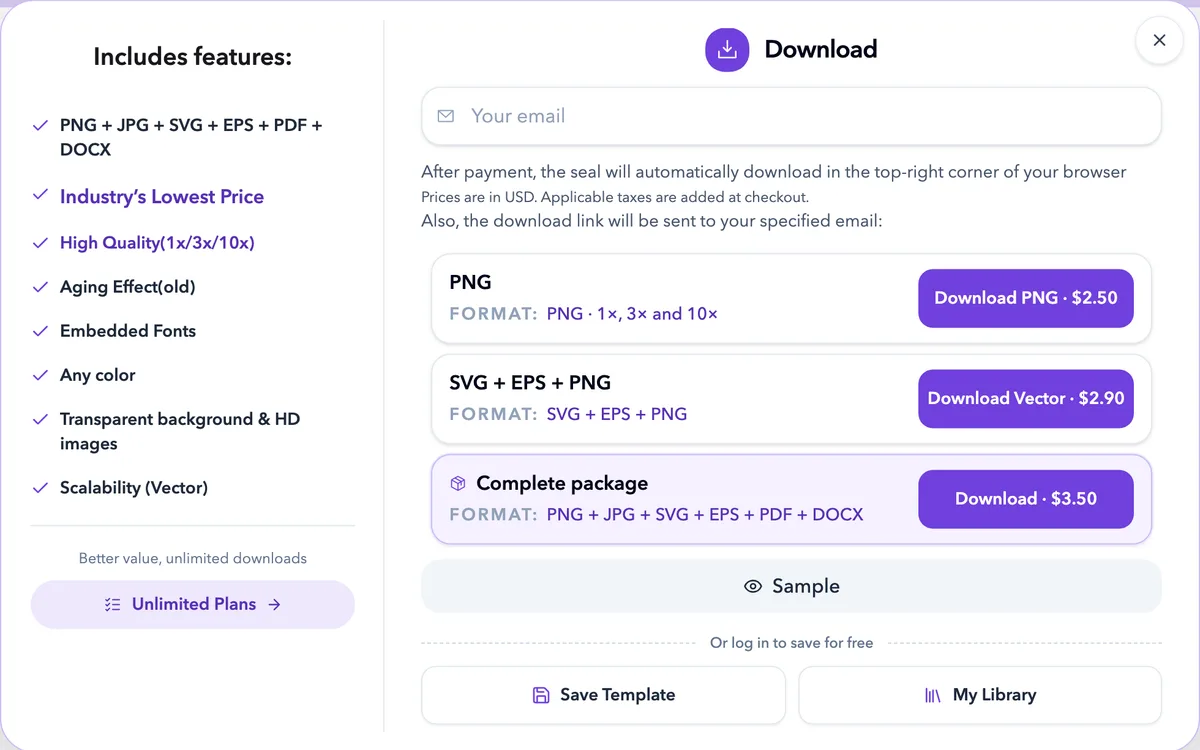
Download PNG at 1x, 3x or 10x, or add SVG, EPS, JPG, PDF and DOCX for print shops and documents.
Templates
Not sure where to start? Stamp Creator Online offers a growing collection of ready-to-edit stamp templates — perfect for saving time and getting inspired.
 Circle stamp
Company seals
 Rectangle stamp
Notary stamps
 Rectangle stamp
Stamp received
 Circle stamp
Company seals
 Circle stamp
Design seals
 Circle stamp
Custom stamps
ideal for websites, emails, and lightweight use
Digital stamp filesgreat for professional production and vector editing
PricingA stamp creator is an online tool that lets you design and preview custom stamps directly in your browser — no advanced design software needed. Instead of learning programs like Photoshop or Illustrator, you can simply choose a layout, type your text, add a logo, and see your design come to life in real time.
Customer reviews
Office managers, shop owners, teachers and designers on what they made and how the files worked out.
average rating · 10 reviews
 Marcus LindqvistCeramics shop owner · Gothenburg, Sweden
Packaging stamp done in about 20 minutes
I used it as an online stamp maker for my shop branding: logo in the middle, shop name around it, transparent PNG for my labels. Then I sent the same design to a rubber stamp place for the stamp I press on boxes. One tip: check your logo is high resolution before you upload it. Mine looked soft the first time, which was my fault, not the tool's.
 Daniel HerreraNotary public · San Antonio, Texas
Good layout tool, check your own state rules
I used the stamp generator to lay out my notary stamp before ordering the physical one. The rectangle template had room for my commission number and expiry date, which saved a lot of fiddling. One star off only because I had to confirm the exact wording with my state myself. The site is upfront that it doesn't do that part for you, which I appreciate.
 Sophie LaurentPrimary school teacher · Lyon, France
Three classroom stamps for less than a coffee
I made a 'Well done!', a 'Check again' and a date stamp for marking. Everything is editable, so I changed the font to something friendlier and put a little star in the middle. I played with it as a free stamp maker for ages before buying, since the preview costs nothing and you only pay for the download. My pupils love them.
The stamp maker keeps the text, borders and images separate while you work. Begin with the wording you need, then adjust the layout around it. A template is a useful starting structure, but every sample name, date and number needs a check before you export. If the design is already close, change one element at a time so you can see what each adjustment does.

Replace the main name or message first. It usually determines how much space the rest of the design will have. Check spelling from the original record instead of typing from memory, then update the supporting lines. Remove text or symbols that do not belong in your version, including small details inside a ring that are easy to miss.
If the stamp needs several address lines, try a straight-text arrangement before shrinking the type. If it needs a name around the edge, leave the centre for a short detail or logo; the company seal maker guides show how to balance that ring. The stamp generator guides compare these shapes and text arrangements. The right structure should let you read the complete wording without needing to enlarge the preview.
Long names can push the first and last letters of an arc towards the sides of the stamp. Inspect both ends, then adjust the text size, spacing and position together. Leave a visible gap between the letters and the nearest border. The upper and lower arcs need their own room; they should not run into each other or squeeze the centre.
Choose a font that includes the characters in your wording. Names with accents, joined letters or a different writing direction need checking as complete words, not just individual characters. If a name still feels cramped, simplify the supporting text or choose a roomier shape. A smaller font is useful only while the result stays readable at the intended stamp size. More curved-text fixes are collected in the online stamp maker tips.
Use the cleanest original artwork you have. A logo copied from a tiny website image may look soft when enlarged, and a white background can hide parts of the stamp beneath it. Check the logo on the canvas before adjusting the rest of the design around it. Keep it clear of the centre text and the inner border.
An uploaded raster image stays raster even when the final file is SVG. For artwork that will go to a manufacturer, ask whether the logo needs a vector source. If you only need a name and a short message, leaving out the logo may give the words more space. The logo stamp templates and the wider set of editable stamp templates help you compare designs with and without a central symbol.
The large canvas is useful for editing, but it can make fine lettering look more generous than it will be on paper. Set the intended dimensions and inspect the smallest text, narrow gaps and border thickness. A round stamp should stay round when placed in a document; changing only its width or height stretches the whole design.
For a physical rubber stamp, confirm dimensions and minimum detail size with the maker. For a digital stamp, test a copy in the destination document. Keep reference numbers and form fields visible around it. Pixel dimensions describe an image file; the size you set in the document or print settings determines how large that image appears on the page. The stamp maker guides include more sizing checks for documents and print.
Ink wear can give a digital stamp a less uniform impression. Add it gradually, looking at the smallest letters after each change. A texture that looks attractive on a large preview can remove a dot, break a thin border or make a registration line hard to read when reduced.
Keep a clean version for future changes and for any production handoff. If the stamp is intended for engraving, the manufacturer may prefer the clean artwork and let the actual ink create the impression. The rubber stamp creator guides explain how to keep the visual effect separate from the file needed to make a physical stamp.
Read the complete wording again before selecting a package. PNG suits many document uses; the vector package adds SVG and EPS, while the complete package adds JPG, PDF and DOCX as well. EPS is prepared separately, so keep the order reference until all requested files are available.
Open the downloaded file in the application that will use it. Compare the text, background and proportions with the preview. Keep an editable design for revisions and a master export for making smaller copies. A PNG or JPG contains the finished image, not the separate text and border layers from the stamp editor. Our guides to digital stamp files compare each format in more depth, and the free stamp maker guides explain what to check before you pay.
For help choosing a starting layout, see the custom stamp maker overview. When the preview is ready, compare PNG and SVG stamp downloads to choose the files you need. You can finish the design before paying.
Some image viewers display transparency against black. Try placing the PNG on a white page to check it. If the file contains a solid background, review the design and export settings rather than assuming the viewer is the cause.
You can revise the design while it remains in the editor, and any signed-in account can save it to My Library and reopen it later. A downloaded PNG is a flattened image and cannot restore the original editable layers.
You can place it on documents, stationery, packaging or classroom materials. Check the file size and background in the application where you will use it. Physical production may require a different format and minimum line thickness. Our guides to digital stamp files compare formats for each use.
A short text change may take only a few minutes. More detailed logos and layouts need extra checking. Preview the design before buying a download; EPS is prepared separately rather than appearing instantly with every file.
One-time packages start at $2.50 for PNG, $2.90 for PNG, SVG and EPS, and $3.50 for the complete package with JPG, PDF and DOCX as well. Prices are in US dollars; applicable tax is shown at checkout.
Yes. Start with a company seal template, replace the sample name and registration details, then adjust the logo and border. Check the finished text at its intended size. The design tool does not determine the official status of a seal. The company seal maker guides cover wording and layout.
You can edit text, fonts, spacing, shapes, borders and image layers, set the plate size and adjust ink colour and wear. Changes appear in the preview, so you can check each layer before export.
Yes! Once your payment is complete, a receipt will be automatically sent to the email address you entered during checkout. Just check your inbox (or spam folder if you don't see it right away).
This service supplies digital artwork. The cost of manufacturing a physical stamp depends on your chosen maker, size, material and delivery options. Ask the manufacturer for a quote and artwork requirements before ordering.
Designing, editing and previewing are free. The finished file download is paid. Compare the PNG, vector and complete packages on the stamp download prices page; any applicable tax is shown at checkout.
You can arrange the required text and symbols, but a template does not grant authority or establish legal compliance. Check the applicable requirements and permissions before using a design as an official seal.
Support: Stamp Creator Online.
Each page opens the editor with templates and wording chosen for that line of work.
Pick a template or start from a blank design. Editing and previewing are free, and you pay only for the file you download.
Start designing free