13 min read
Two-Color Rubber Stamp Design: Plan the Gap Before You Order
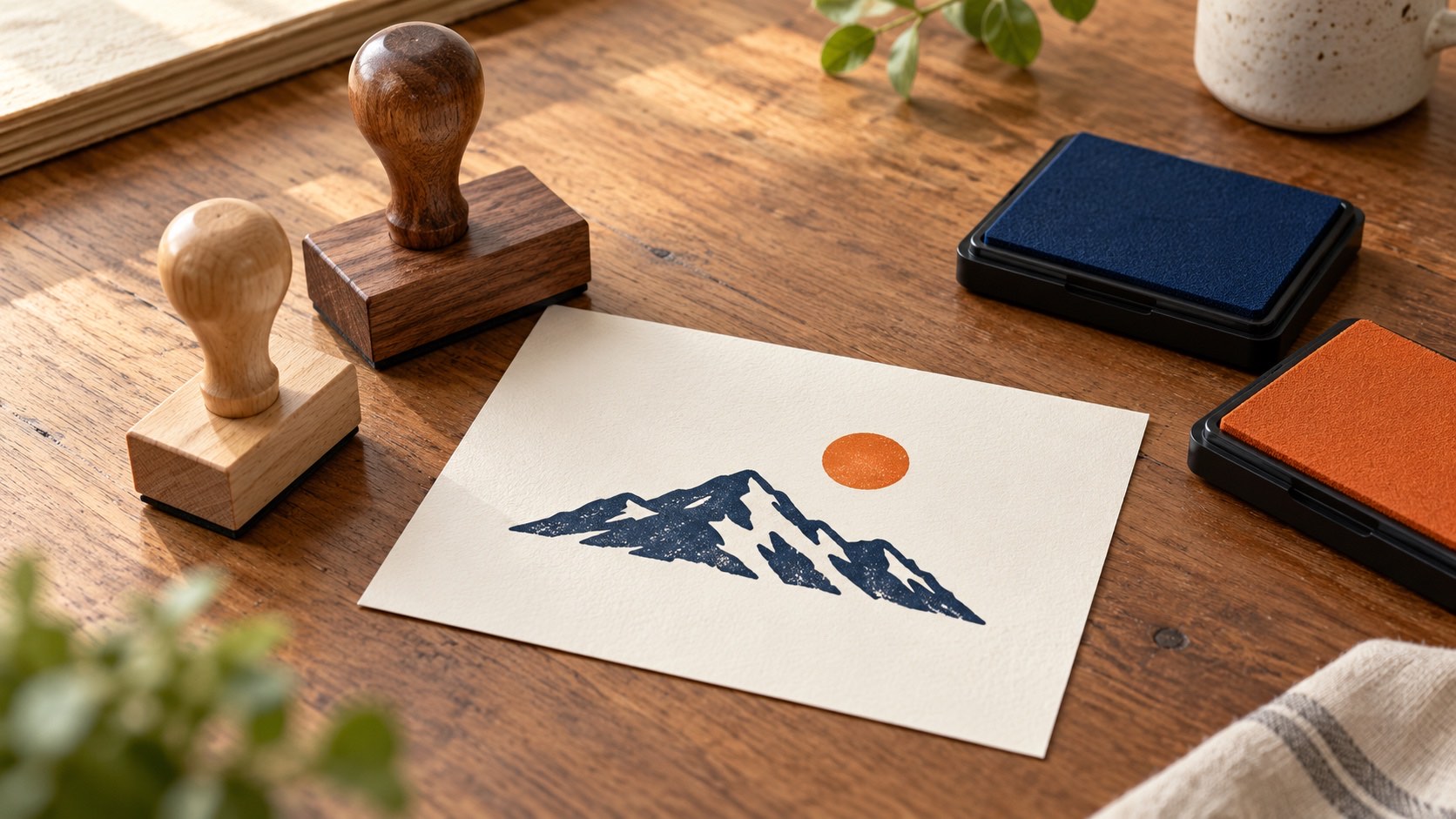
A two-color mockup hides the hardest part: getting the real impressions to land where they belong. Choose the production method and design for its limits.
Read articleMake digital artwork that looks convincing on documents and stays useful for physical stamp production.
These guides help you prepare artwork that looks right on documents and also works for a real rubber stamp. Design the layout in the online stamp maker, keep a clean master and hand the right file to your stamp manufacturer.
A two-color mockup hides the hardest part: getting the real impressions to land where they belong. Choose the production method and design for its limits.
Read article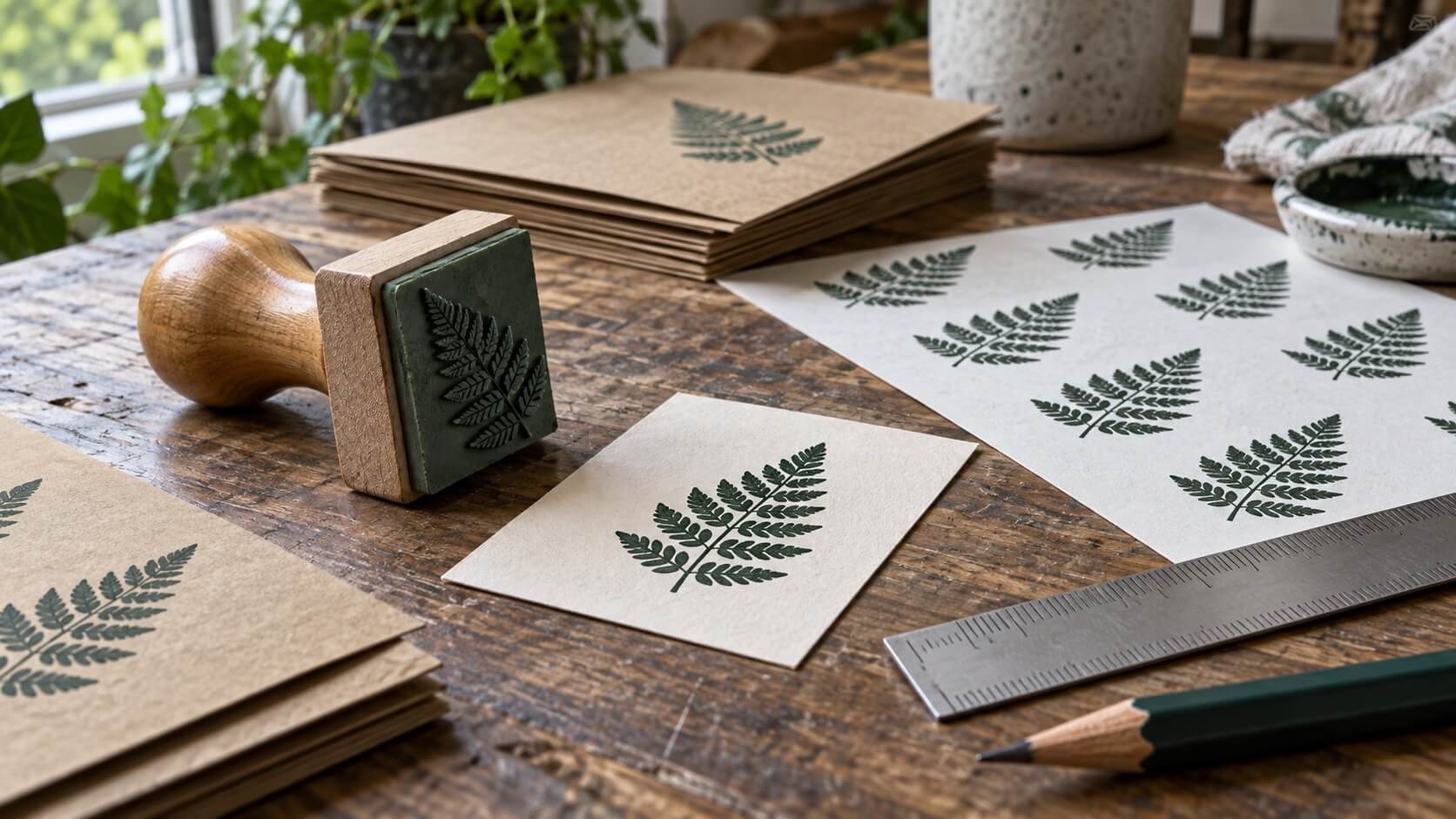
A tidy supplier photo is only part of the proof. Check a first physical stamp against your actual material and keep a clear acceptance record.
Read article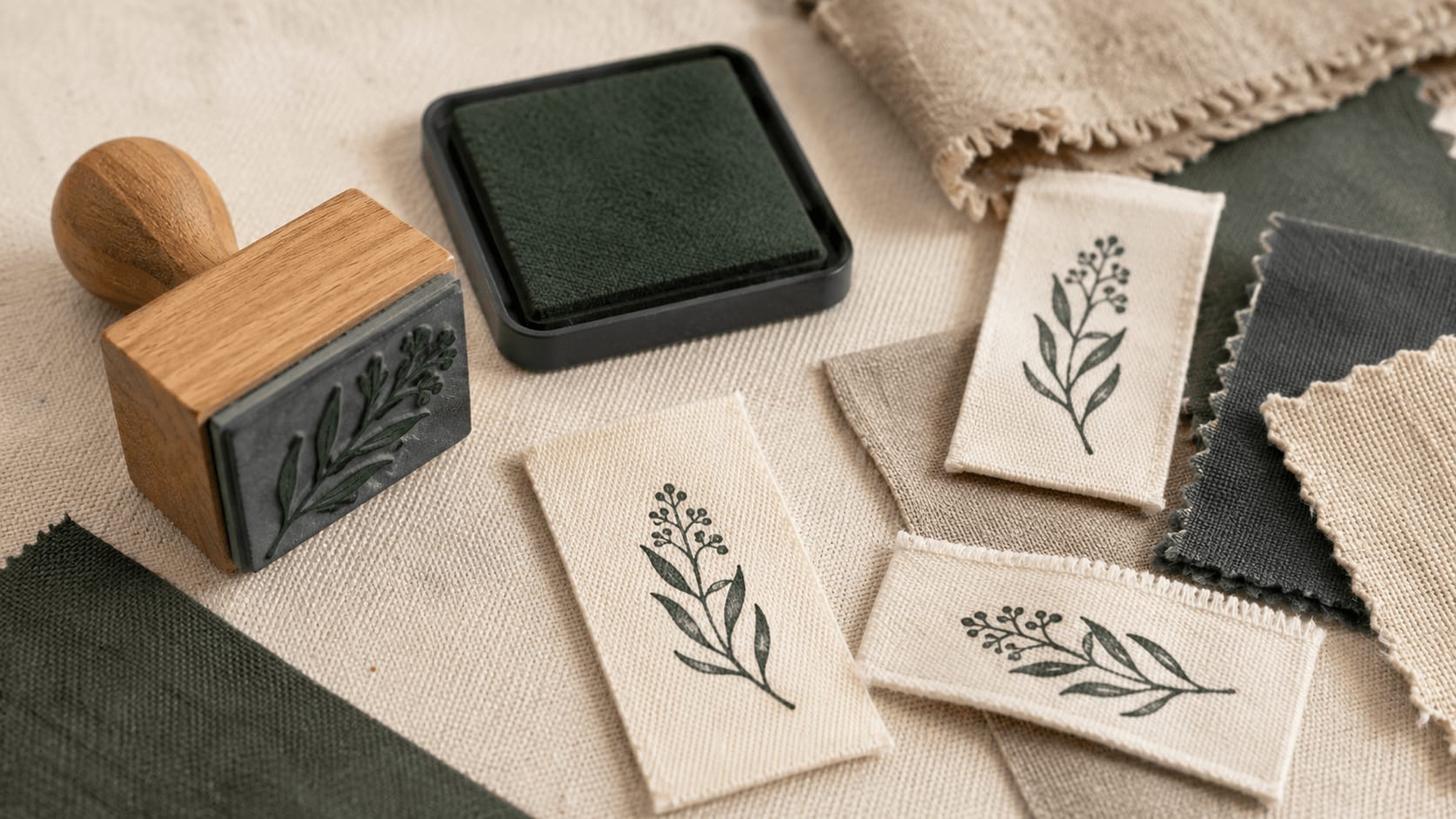
Prepare a fabric-label rubber stamp that stays recognizable across the weave. Simplify the artwork, choose compatible ink, and test real swatches.
Read article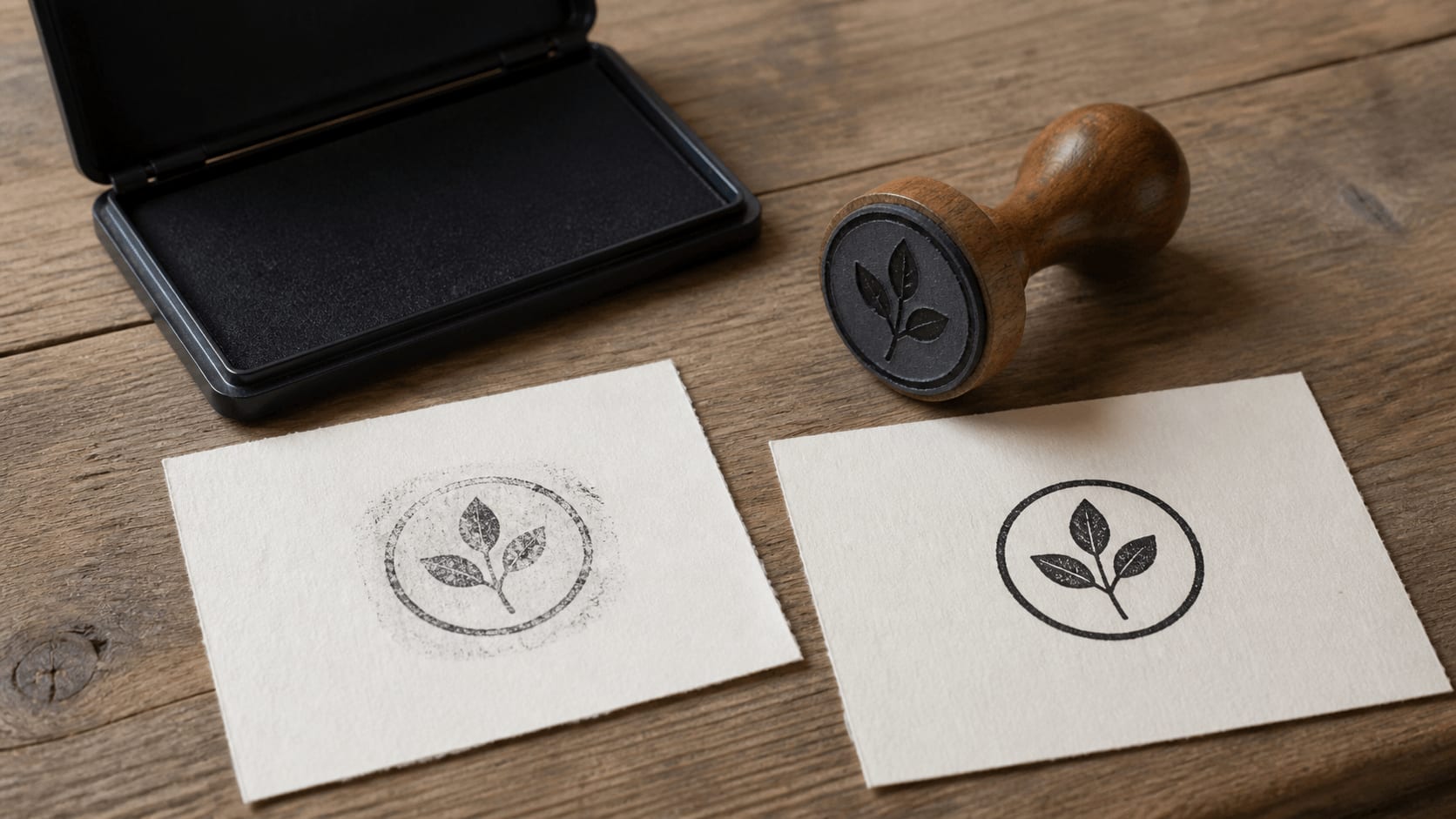
Find out why a rubber stamp smudges, doubles, or prints unevenly. Test paper, ink, pressure, cleaning, and handling before replacing the stamp.
Read article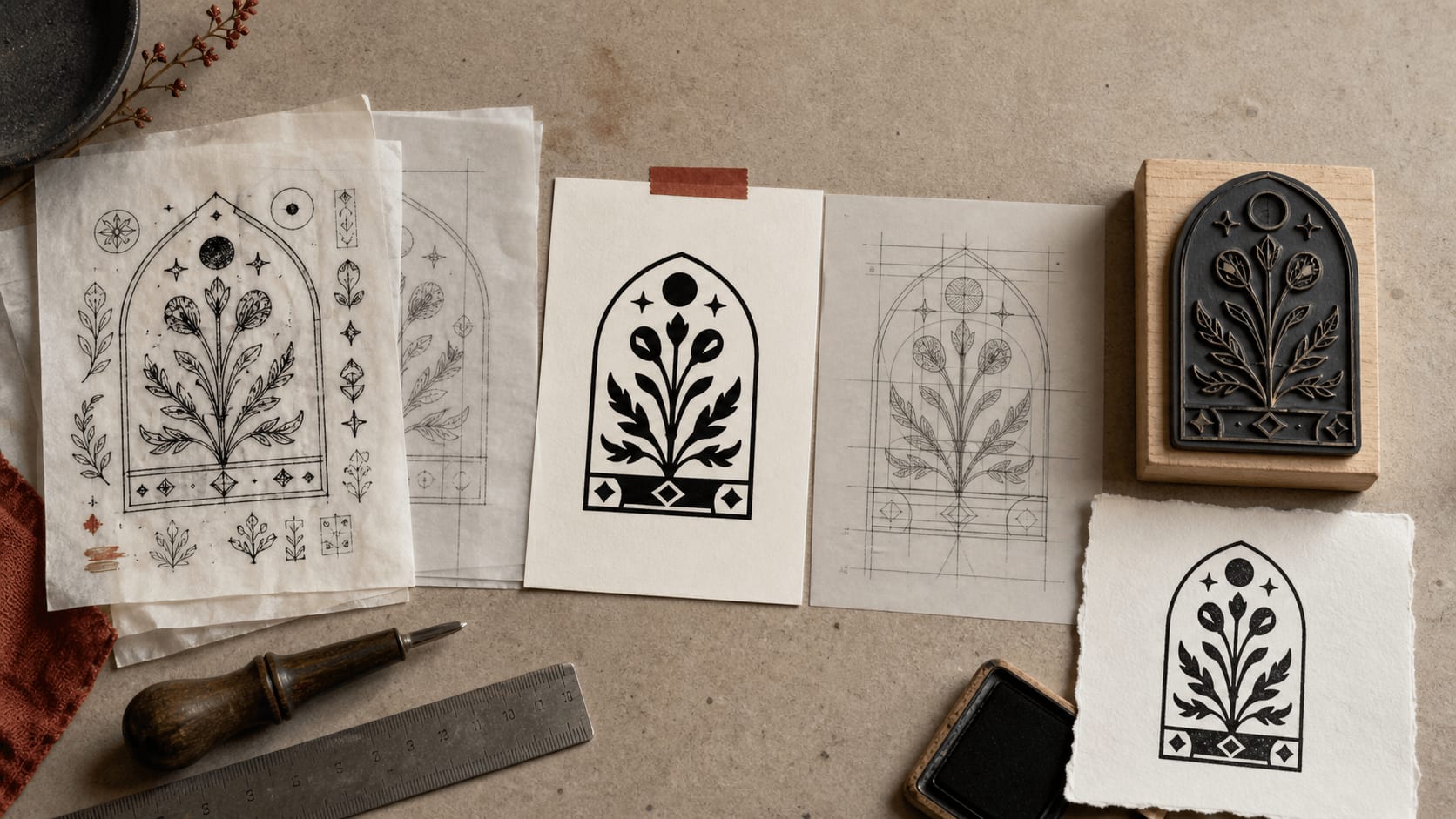
An AI stamp concept can look finished while hiding bad text, weak geometry, and unusable detail. Use this checklist before ordering a rubber stamp.
Read article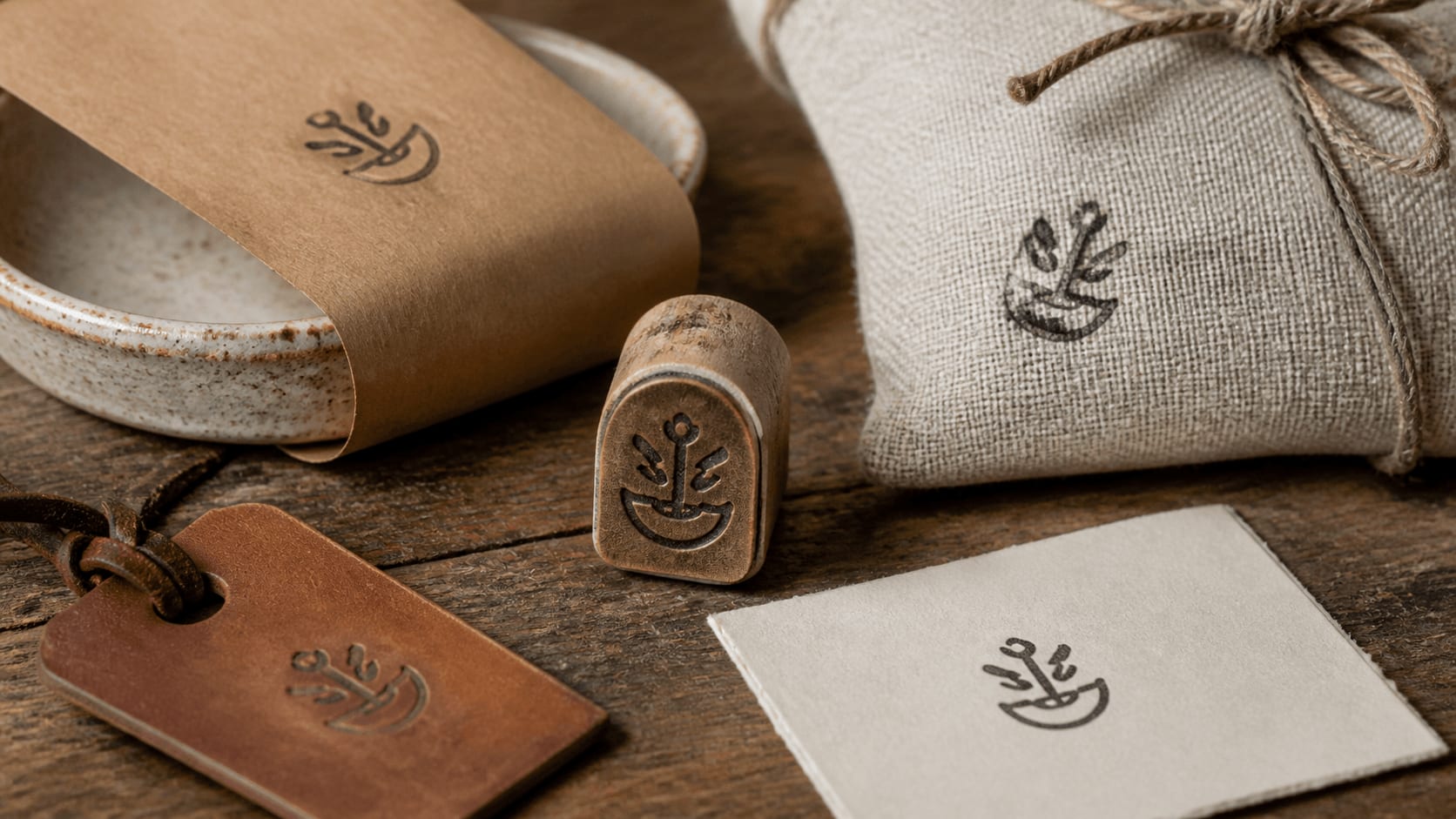
Turn a maker's identity into a clear one-color stamp that holds up on small tags, textured packaging, care cards, and other handmade product surfaces.
Read article
A practical production guide to line weight, spacing, type, sizing and file preparation so a digital stamp design can become a clear physical impression.
Read articleThese rubber stamp templates use clear borders and open lettering, which makes them a practical starting point for artwork that may later be made into a physical stamp.
A worn impression can look familiar on a PDF, while the same gaps may be unwanted in artwork sent for engraving. Keep a clean version and ask the producer about minimum line thickness and accepted file formats. The guides here cover borders, ink texture and sizing with that distinction in mind. For placing the finished mark in a document, check the file guides before converting or enlarging it.


A digital rubber stamp impression is an image you place on a document. A production master is artwork someone uses to make a physical stamp. They can begin with the same layout, but they need different finishing choices. Worn edges and missing ink may suit the image while creating unwanted gaps in a manufacturing file.
Start with rubber stamp templates and make the clean wording and border work first. Keep that version before adding texture. The guides in this category cover the transition from an editable design to a useful file, including the questions to ask a producer before choosing your export.
The finished dimensions, material and production process affect what a physical stamp can reproduce. Ask the maker about minimum lettering, line thickness and gaps rather than assuming the screen preview answers those questions. A fine border or detailed logo can look clear when enlarged and still need adjustment at the actual size.
Send the complete design for review, including any small registration or address line. Keep text open enough to read, and discuss whether the producer wants clean artwork without simulated wear. Their proof is the useful point for checking the production result. This site supplies digital files, so the physical stamp and delivery are arranged separately.
Some production workflows request vector outlines; others accept a raster image at agreed dimensions. Confirm that before buying a package. SVG and EPS can carry vector elements, but an uploaded bitmap logo may remain an image within the file. The extension alone does not tell you whether every detail will scale.
The guides to digital stamp files explain that distinction. Keep the best logo source you have and show the maker any part you are uncertain about. A transparent PNG can be useful for everyday document placement even when a different file is used for production. Store those copies alongside the editable source so their purposes stay clear.
A worn impression should still communicate the name or message. Add texture in small steps and check the smallest text after each change. Pay attention to dots, narrow strokes and internal gaps in letters, since losing one of those details can change how a word or number is read.
Place the stamp over the background it will actually use. A pale gap may disappear on one page while a heavy patch covers nearby text on another. The online stamp maker lets you return to the separate design elements when you need a correction. Keep the clean master so a later production request does not depend on undoing a flattened distressed image.
Start with the layout and wording, and keep a clean version without ink wear. Ask your manufacturer three questions before you export: what size the impression area is, which file formats they accept and how thin a line or how small a letter they can reproduce. Their answers decide the plate size and the level of detail you should keep.
Most manufacturers prefer vector artwork such as SVG or EPS, or a high-resolution PNG. Send the clean master, not a textured copy, and review the proof they return before production. The guides to digital stamp files explain how to check whether an export really contains vectors.
Self-inking, pre-inked and traditional wooden stamps can have different printable areas, even when they are sold under similar sizes. Ask your supplier for the exact impression area of the model you choose, then set the plate size in the stamp maker to match before you adjust the text.
A two-colour stamp, a dater with a moving date band or a stamp with a separate ink pad field adds further constraints. Plan those areas with the manufacturer first and leave them clear in the design. The digital preview shows layout and proportion; the manufacturer's proof is where ink, material and mechanism are confirmed.
For a digital impression, small gaps and uneven edges can suggest ink on paper. For a manufacturing master, those same gaps may become cuts or missing details. Keep both uses in mind rather than applying a strong texture to the only copy of the design. Ask the maker for their preferred dimensions, file format and minimum detail size. A clear border and open lettering give them something useful to assess. Their proof is the place to confirm the production result; a screen preview cannot show every difference caused by ink, material or paper.
Keep reading: digital stamp files · stamp generator online guides · company seal maker guides.
It is a design tool for the artwork of a rubber stamp. You arrange the text, border and logo, set the size and export a file that a manufacturer can use. The online stamp maker on this site does this in the browser.
Many accept SVG, EPS or a high-resolution PNG, but requirements differ, so ask before you buy. The vector package includes PNG, SVG and EPS; compare the PNG and SVG stamp downloads to choose.
That depends on the material, the production method and the manufacturer, so there is no single safe number. Ask for their minimum line thickness and smallest text size, and check fine details on their proof.
Yes. Upload the cleanest version of the logo and keep space around it. A vector logo gives a manufacturer more to work with than a small bitmap. The logo stamp templates leave room for a central image.
No. Stamp Creator Online supplies digital artwork only. The physical stamp, ink and delivery are arranged directly with the manufacturer you choose.


