13 min read
Why the Logo in Your SVG Stamp Disappears After Sharing
The border can travel inside an SVG while the logo still depends on another file. Trace the missing resource before rebuilding a design that may be intact.
Read articleUnderstand PNG, JPG, SVG, EPS and DOCX so the stamp stays clear in documents, print and production.
These guides explain PNG, JPG, SVG, EPS, PDF and DOCX so your stamp stays sharp in documents, print and production. Create the stamp in the online stamp maker, then choose the file package that fits where it goes next.
The border can travel inside an SVG while the logo still depends on another file. Trace the missing resource before rebuilding a design that may be intact.
Read article
Place a digital stamp in a PDF without stretching, blurring, or covering important content, then review the saved and printed result.
Read article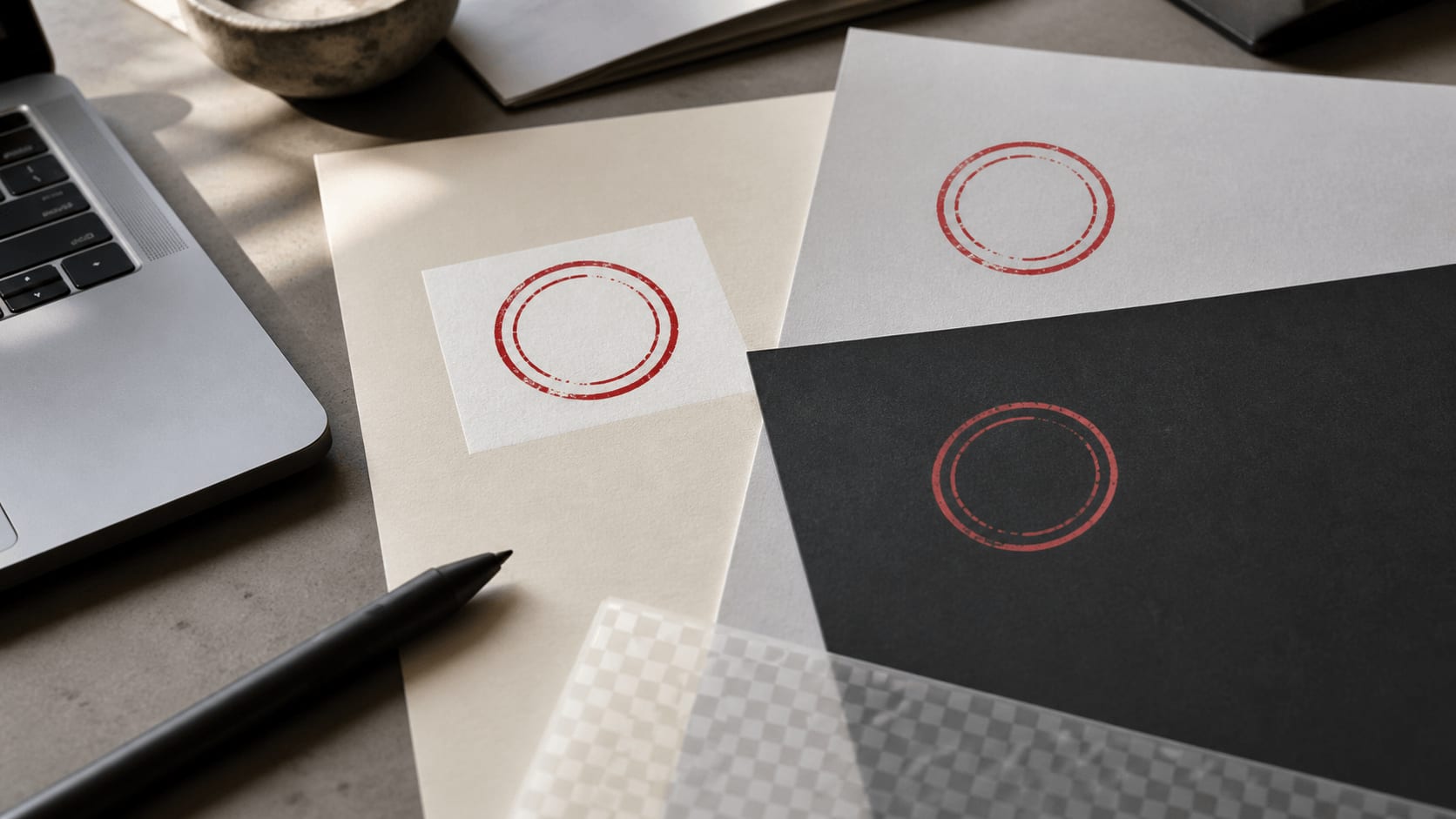
A white box or pale halo can ruin a digital stamp in documents. Diagnose the source, clean the edges, export transparency, and test the final file.
Read article
Organize editable stamp masters, proofs, approved exports, variants, and retired files so teammates can find and trust the correct asset.
Read articleReceived, approved and filed marks are the stamps most often placed on PDFs and scanned forms. These received stamp templates are a quick way to make a digital stamp for document workflows.
A transparent PNG is convenient for placing a stamp on a document. SVG and EPS can suit work that needs vectors, while a PDF or DOCX serves a different document workflow. Keep the original master rather than repeatedly resizing a small PNG. An uploaded bitmap does not become vector artwork just because it sits inside an SVG. These guides explain those differences before you choose a download or conversion.


PNG supports transparency, which makes it useful for placing a stamp over a letter, invoice or coloured page without a white rectangle. JPG uses a solid background and can suit a destination that expects an opaque image. Both are raster formats, so their detail depends on the pixels in the exported file.
Check the required display size before making a smaller copy. Enlarging a small image cannot recreate missing lettering or logo detail. The stamp image resizing tool can change the dimensions, but a fresh export from the original design is better when you need information that the small copy no longer contains.
Vector paths describe shapes rather than a fixed grid of pixels. That can make SVG and EPS useful for scalable artwork and production workflows. However, a vector file can also contain an embedded bitmap. If you upload a PNG logo, putting it inside an SVG does not redraw the logo as paths.
Inspect the contents and ask the recipient what they require. Text outlines, images and external resources can affect how a file is handled by another application. Keep a self-contained master where possible. For a document that needs a PNG, the SVG stamp converter can produce a raster copy while you retain the original vector file separately.
A PDF or DOCX is useful when the receiving task calls for a document rather than a standalone image. Those formats are part of the complete package, alongside PNG, JPG, SVG and EPS. They are different from the layered design you edit in the browser.
Choose the format by the application or person receiving it. Do not assume a document file gives you the same text and border controls as the stamp editor. Keep the editable source if a name or date may change. Compare stamp download formats before purchase, including the separately prepared EPS file, and open the resulting files in the intended application after download.
A stamp used on a website, in a letter and for manufacturing may need several files. Keep the best original design and master export, then name the copies by their use. That avoids repeatedly transforming one small image until its fine text becomes soft.
For document placement, check transparency, proportions and size on the real page. For production, confirm dimensions and accepted formats with the maker. When a change affects the actual wording or layout, return to the online stamp maker instead of treating the exported image as separate letters and shapes. A file extension is only one part of choosing a useful stamp file; the contents and destination matter just as much.
For a PDF, an email attachment or a Word document, a transparent PNG is usually the simplest choice: it sits on the page without a white box. JPG has a solid background, so use it only when the destination does not support transparency. For printing, export the PNG at the final size or use the PDF from the complete package.
For a manufacturer or a designer, SVG and EPS keep text and shapes as vectors that scale cleanly. DOCX is a ready Word document for teams that work in Office. If a file needs a quick fix after download, the stamp image tools can resize, crop, rotate or convert it without reopening the design.
A white rectangle around the stamp usually means a JPG or a scan was used; use the transparent PNG instead, or extract the stamp ink from a scanned impression. A blurry stamp usually means a small image was enlarged; export again at the right size, or resize the stamp image from the best master you have.
A tilted scan can be straightened when you rotate the stamp image, and extra empty margin disappears when you crop the stamp. If an application refuses SVG, convert the SVG stamp to PNG at the dimensions it needs. Each tool works on the file in your browser and leaves the original untouched.
Start with the application or person that will receive the file. A document editor may need a transparent image; a maker may ask for vector outlines; an archive may need a document copy. These are different needs, so keep a master and create copies for the destination rather than repeatedly converting one small image. Check whether a vector file contains embedded raster artwork, because the extension alone does not make the whole design scalable. After export, open the file in the intended application and inspect the background, dimensions and smallest lettering before treating it as the final version.
Keep reading: online stamp maker tips · rubber stamp creator guides · company seal maker guides.
Stamp makers for this work: bank stamp maker.
It is the exported artwork of a stamp, such as a PNG, SVG or PDF, that you can place on documents or send to a manufacturer. You create it in a custom stamp maker and download it in the formats you need.
PNG is easiest for documents and keeps a transparent background. SVG scales without pixelation and suits design or production work. Compare the PNG and SVG stamp downloads to pick the package that includes what you need.
Open the PDF in an editor that can insert images, place the transparent PNG, resize it with the proportions locked and keep it clear of text, amounts and signature fields. Save a copy and check it at 100% zoom.
The file is probably a JPG or a scan. Use the transparent PNG export, or remove the paper with the stamp ink extraction tool before placing the image.
Vector files scale cleanly. For a PNG, export a new copy at the final size or resize from the largest master you have; enlarging a small image cannot add missing detail. The stamp resize tool sets exact pixel dimensions.


