5 min read
Free Stamp Generator Updates: Clearer Text, Easier Saving
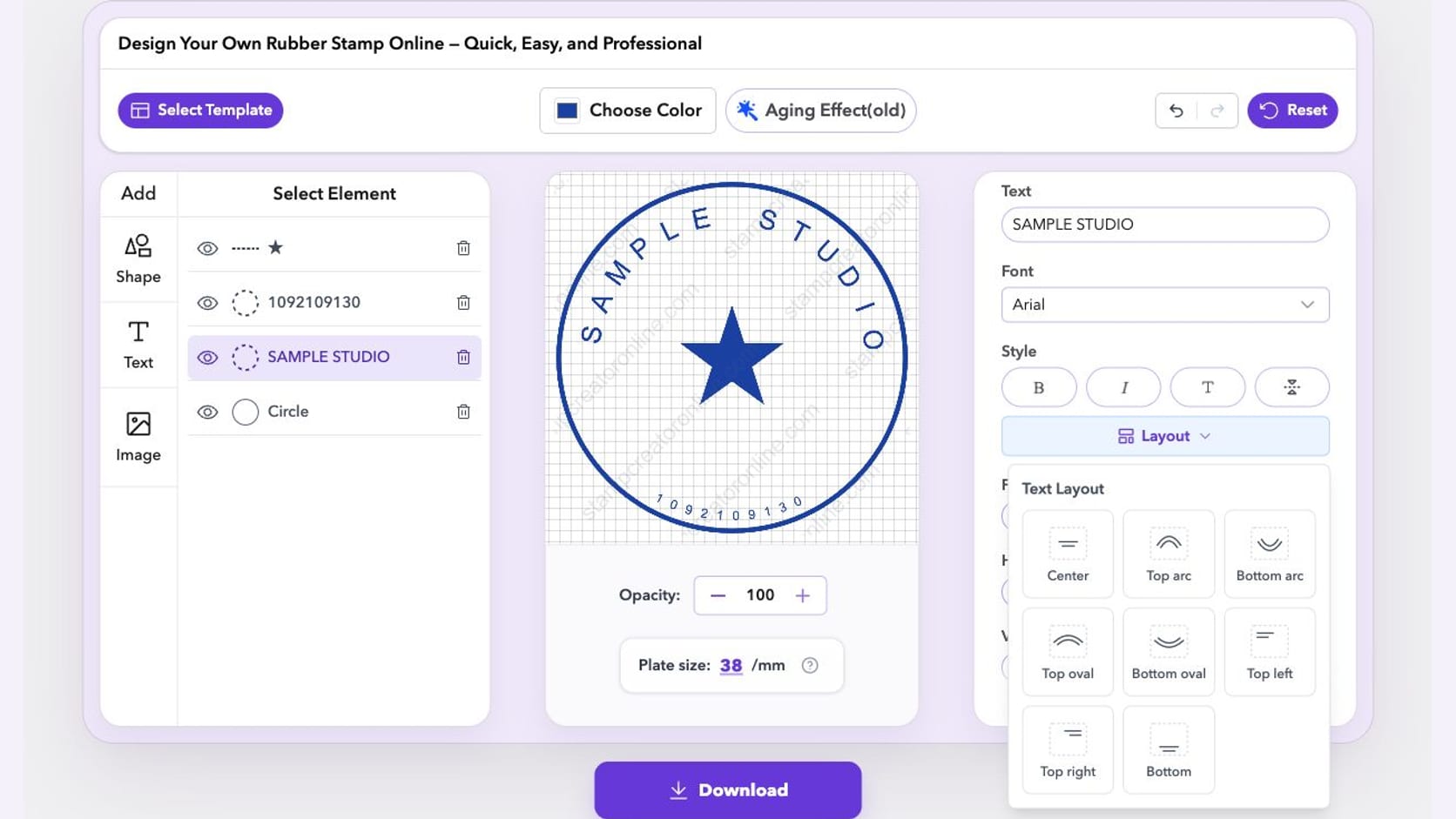
Arabic names that stay joined, a sign-in form you can reach, and room to save unfinished stamps. See how our free editing updates help you keep working.
Read articleClear explanations of stamp shapes, sizing, typography, color and reusable production workflows.
These guides cover the layout side of stamp design: round, square and rectangular shapes, curved text, centred logos, plate size and ink colour. Try each idea in the stamp generator online and watch the preview update as you edit.
Arabic names that stay joined, a sign-in form you can reach, and room to save unfinished stamps. See how our free editing updates help you keep working.
Read article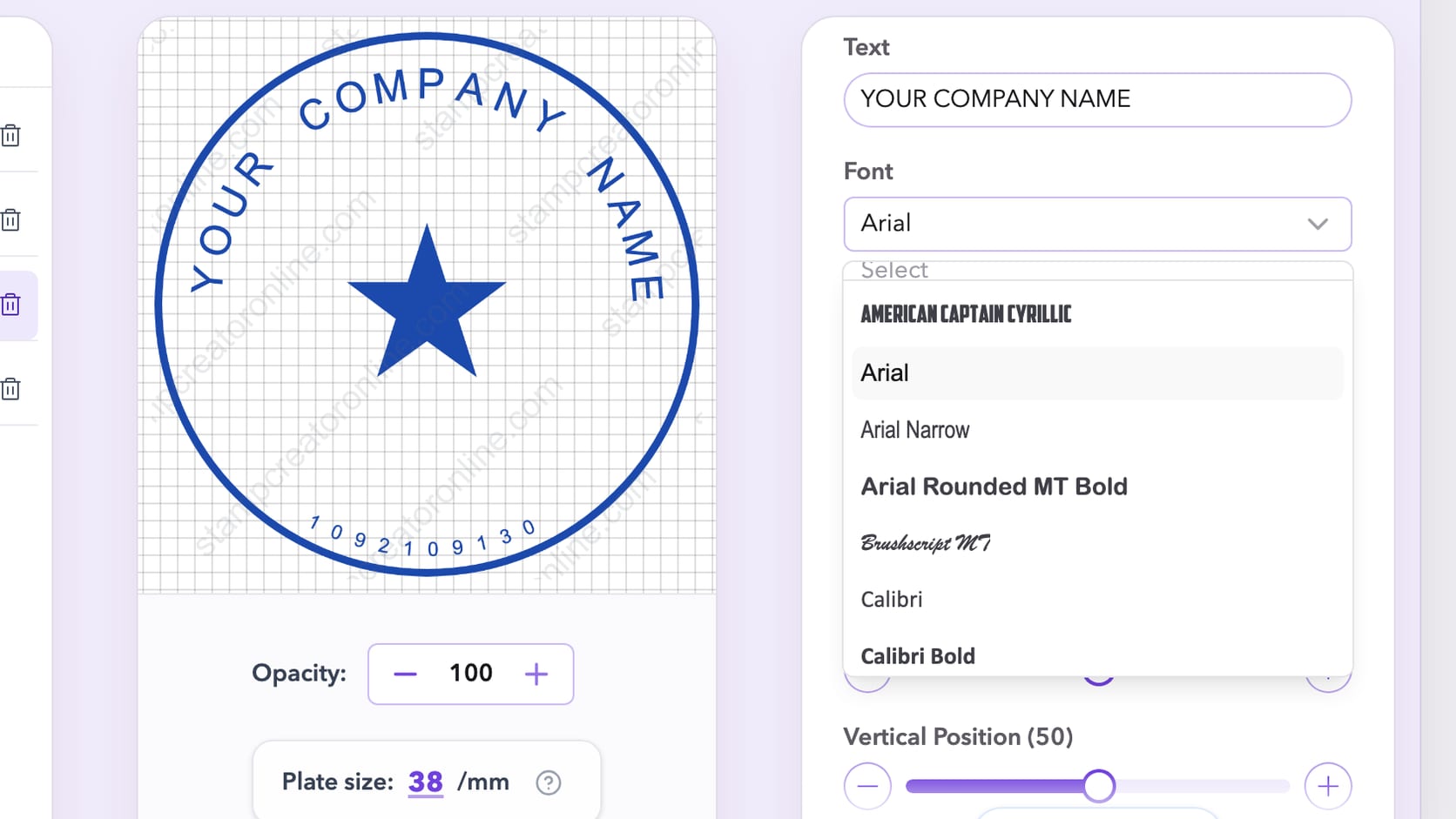
Thin strokes break, script letters run together on a ring and small numbers fill in. How to choose and test a stamp font at real size before you download.
Read article
Use a fixed frame, one changing motif and a small comparison set to keep AI stamp concepts related without regenerating the whole design each time.
Read article
Fix a stamp that looks off-center by balancing visible shapes, text blocks, borders, and empty space at the final impression size.
Read article
Compare round, rectangular, square and oval stamp layouts by content, document space, logo shape and readability before you commit to a design.
Read articleThe design seal templates are the largest set of decorative layouts, with double rings, stars, ribbons and inner borders. Use them to see how a stamp generator handles the same wording in different shapes.
A circle can hold a company name around its edge, but several address lines usually need a straighter arrangement. Adding words to a sample often means adjusting spacing or choosing another shape, not simply reducing the font. This topic looks at those layout choices, plate dimensions and the balance between lettering and symbols. For the formal details of a business mark, continue with the company seal guides.


A stamp generator can give you a starting arrangement, but the wording determines whether that arrangement works. A short company name can follow a circular border; a full address usually needs straighter lines. A status word may be strongest without a central symbol at all.
Compare stamp templates with the complete text in mind. Look at the longest word, the number of lines and any detail that must stay readable. If the sample only works after everything is made tiny, try a different structure. These guides focus on the relationship between shape, spacing and information rather than treating the frame as a fixed decoration.
Curved text needs room at the ends of the arc as well as above and below it. Straight text needs enough width for its longest line and enough line spacing to keep neighbouring letters distinct. The same font size can therefore behave differently in a circle and a rectangle.
Use the stamp generator online to compare the whole layout after each adjustment. A small spacing change may solve an awkward gap, while a very long name may need a different arrangement. Check accents, joined characters and punctuation in the actual font. The text should remain readable as language, not merely look balanced as a collection of shapes.
Large previews can make narrow gaps appear more generous than they will be in a document. Decide the intended size, then inspect the border, central image and smallest text at that scale. A detailed logo may need simplification or more space, while an extra ring may be using room the wording needs.
For physical production, agree on dimensions and minimum detail size with the maker. For digital placement, test the stamp on the real page and preserve its proportions. Stretching a round or square image changes the lettering too. Make a separate layout for a different shape rather than distorting the finished export.
Colour can separate the stamp from the page, and wear can change the feel of the impression. Neither should carry information that disappears in a monochrome copy or at a smaller size. Settle the wording and spacing first, then add the visual treatment gradually.
Keep a clean version for revisions and for any manufacturing handoff. The rubber stamp creator topic explains why deliberate gaps can suit a digital impression but complicate a production master. After exporting, inspect the final file in the application that will use it. The last check is the stamp on its destination page, not the most enlarged view of the canvas.
A round stamp places the main name on an arc, which suits a company or organisation name with a short centre line. A rectangular stamp uses straight lines, so it handles addresses, phone numbers and approval text more easily. A square seal is compact and works for a short name or a monogram, while a triangle is a distinctive choice for a short label.
Compare the company seal templates for round layouts with the square seal templates for compact ones. Put your own text into both before deciding: the right shape is the one that holds the full wording without shrinking every letter.
Text size and letter spacing decide whether curved text reads as words or as a ring of marks. The radius of the arc decides how close the text sits to the border. Border thickness, the gap between rings and the size of the centre symbol all compete for the same small space.
Set the plate size in millimetres before you fine-tune these details, then check the smallest line at that size. Add ink colour, opacity and wear last, because a strong texture can hide a weak layout. The online stamp maker tips include more fixes for crowded curved text.
Start with the complete wording, then compare how it sits in a round and a rectangular arrangement. Curved text needs enough space at both ends of the arc; straight lines need enough width for the longest word. A smaller font may solve the immediate overlap but create a new readability problem at the final size. Adjust the structure first: shorten optional text, separate a secondary detail or choose a roomier frame. Once the wording fits, inspect border thickness and the distance between the inner symbol and the surrounding letters.
Keep reading: online stamp maker tips · company seal maker guides · stamp maker guides.
Stamp makers for this work: engineer stamp maker.
It is a browser tool that builds stamp artwork from editable parts: a border, curved and straight text, a symbol and an ink colour. The online stamp maker on this site works this way and keeps every part editable until you export.
Choose a round template and edit the curved text layer. Adjust the size, spacing and arc position together, and leave a gap between the letters and the border. The company seal maker guides show how to fit long names on a ring.
It depends on where it will be used. Many round templates start at around 38 mm, which you can change. Set the size for your document or ask your manufacturer for the impression area before refining small details.
Yes. Dates are editable text, so you can type any date or leave a line for writing one by hand. The date stamp templates include layouts with a dedicated date area.
Yes. You can choose the ink colour and adjust opacity and wear. Red and blue are common for office stamps; the red stamp templates are a quick starting point for approval marks.


