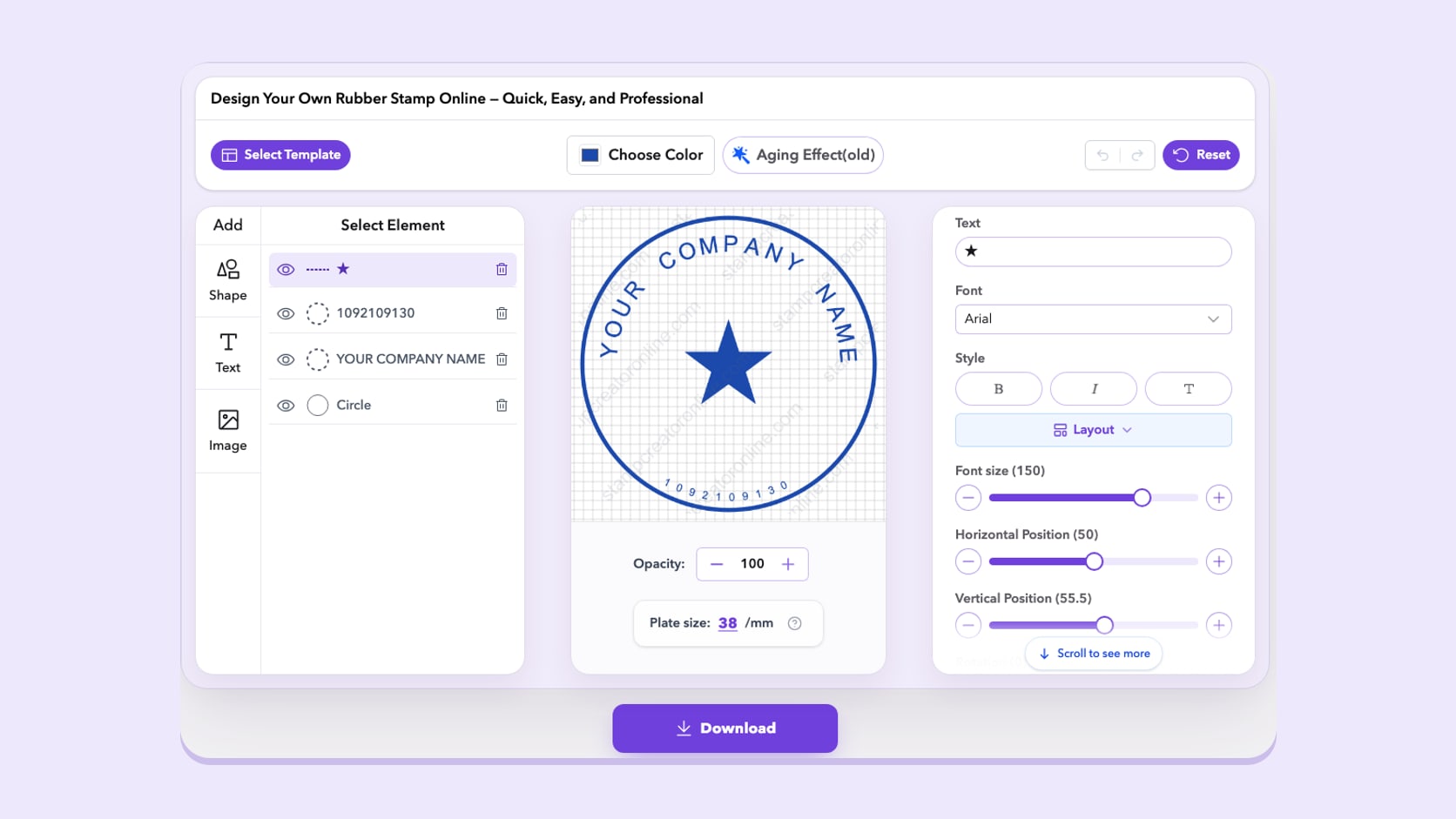
8 min read
What's New at Stamp Creator Online: Templates, Editor and My Library
Undo and redo, template pages that explain each layout, My Library for every signed-in account and corrected translations: everything that changed.
Read articleStraightforward stamp maker advice for choosing a layout, editing clean layers and preparing a useful finished file.
These stamp maker guides are for anyone building a stamp from a template or from scratch. Each one covers a real decision about wording, borders, logos or export, and every step can be tried straight away in the online stamp maker.
Undo and redo, template pages that explain each layout, My Library for every signed-in account and corrected translations: everything that changed.
Read article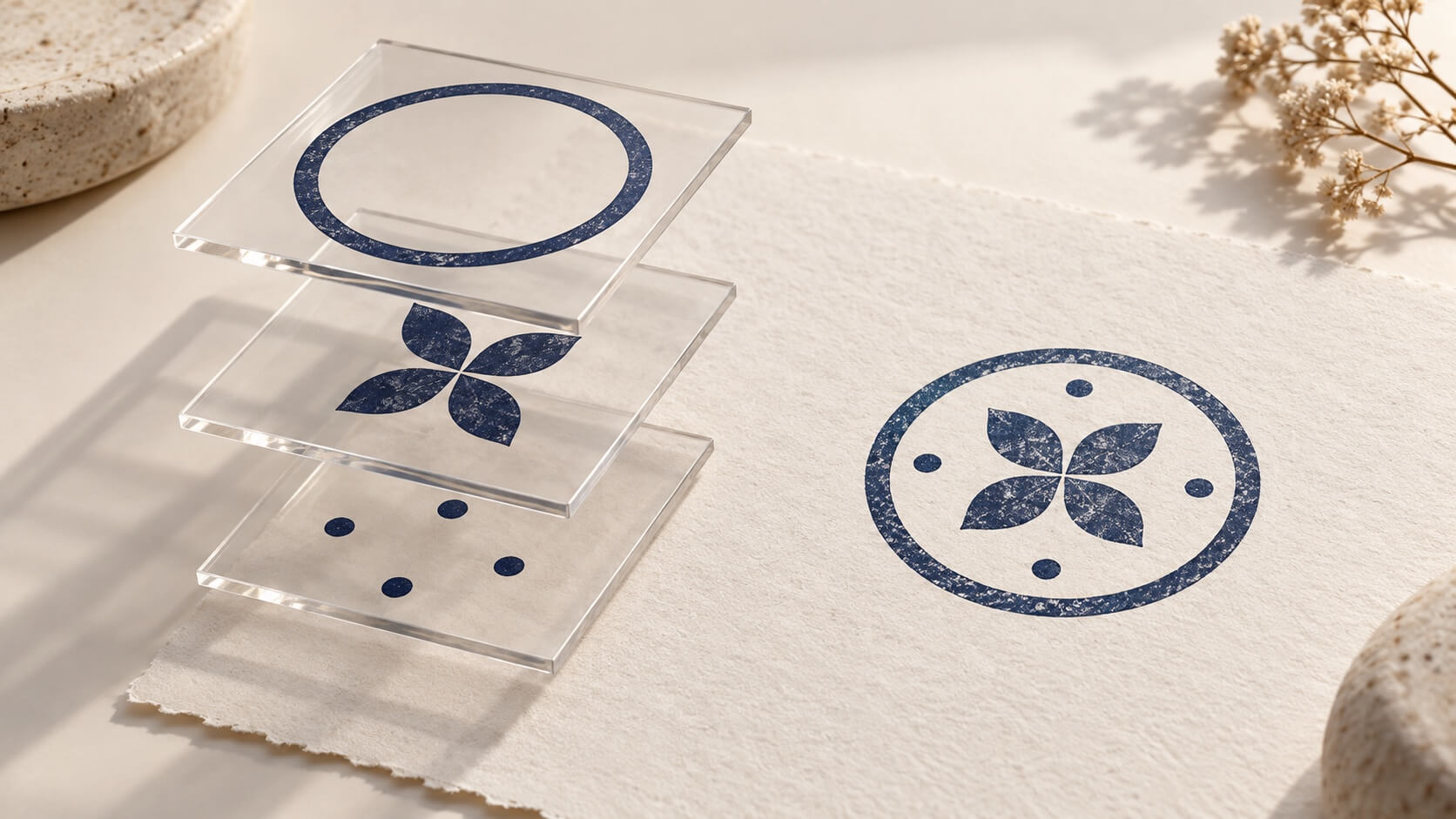
Evaluate Stamp Creator Online through realistic revisions: replace wording, change text placement and swap artwork while keeping the rest under control.
Read article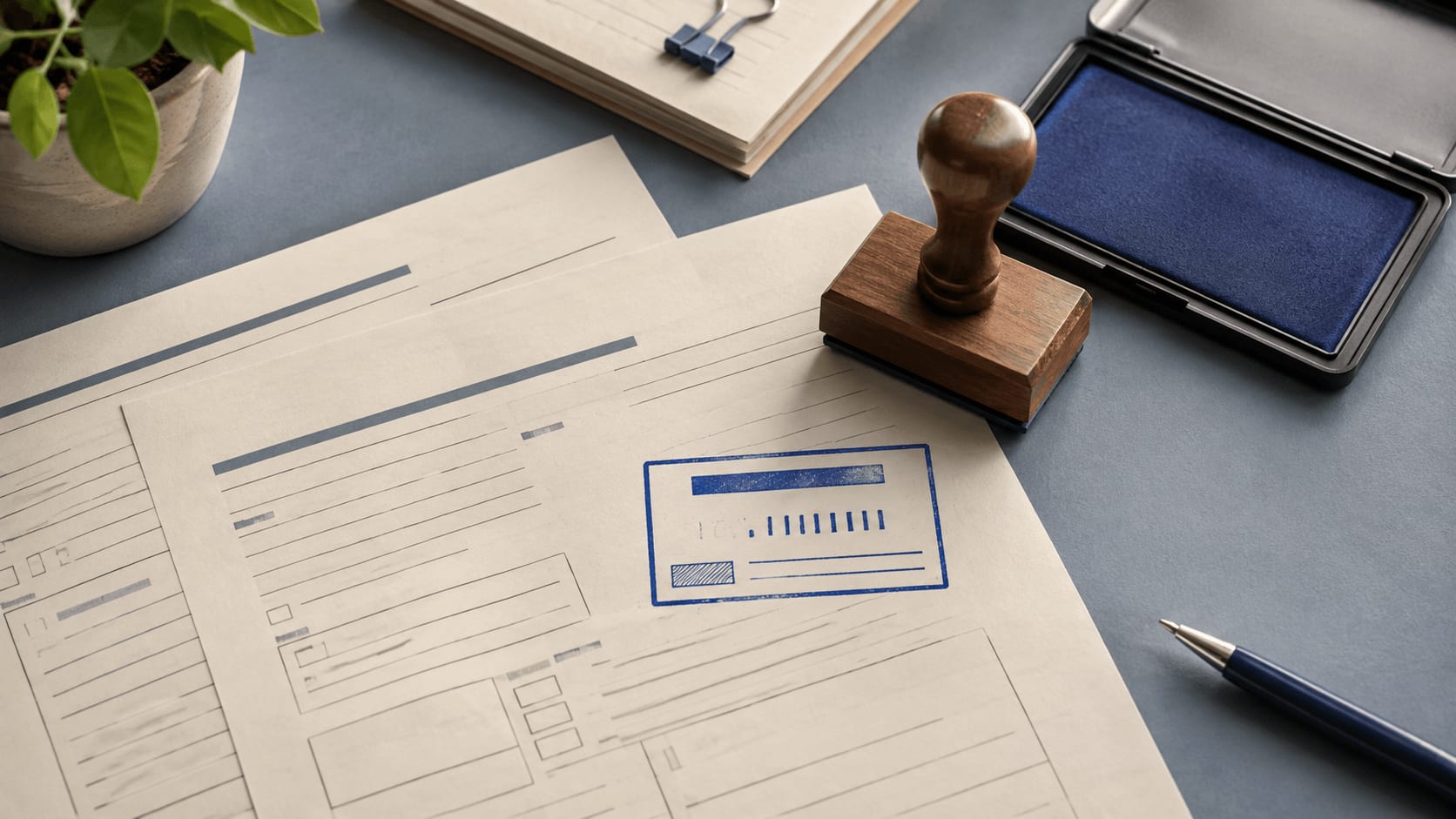
Build a received stamp around the actual intake workflow. Choose the date, routing fields, plate size, placement, proof, and staff routine before ordering.
Read article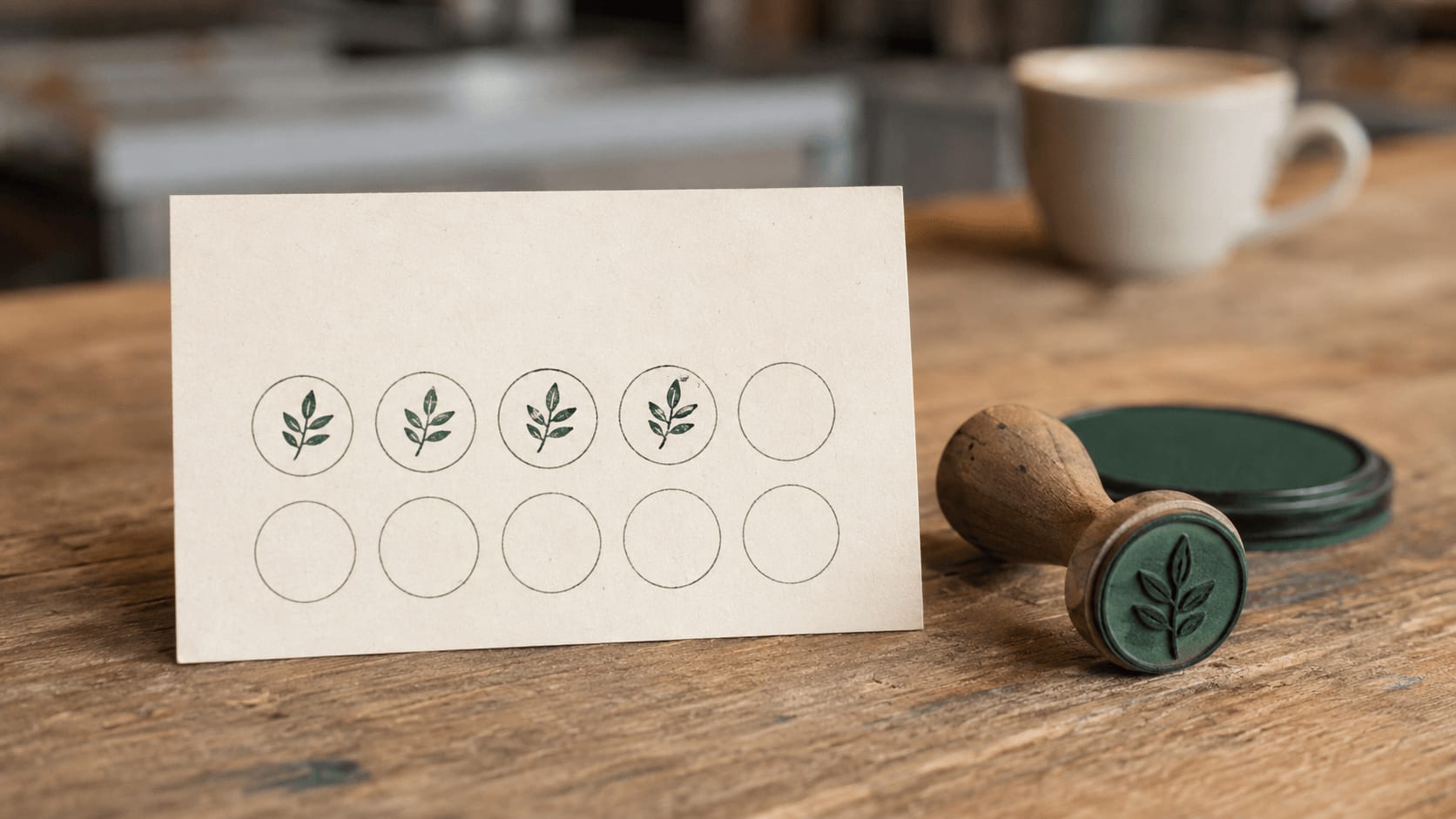
Plan a loyalty card stamp with a recognizable mark, generous receiving spaces, suitable paper and ink, and a simple routine for earning and redeeming rewards.
Read article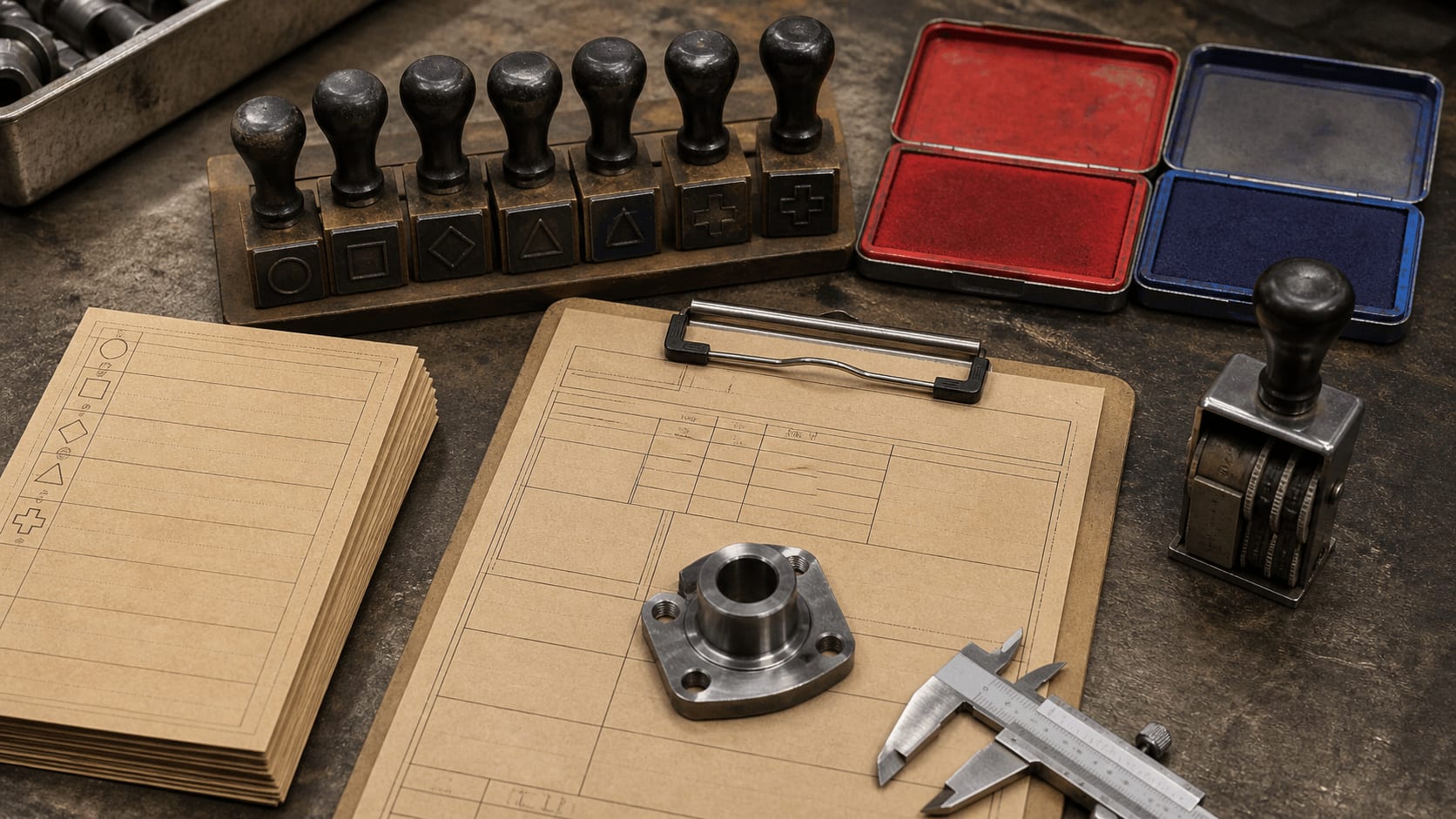
Design a quality control stamp that records one clear decision, leaves usable date and initials fields, survives daily handling, and fits the real process.
Read article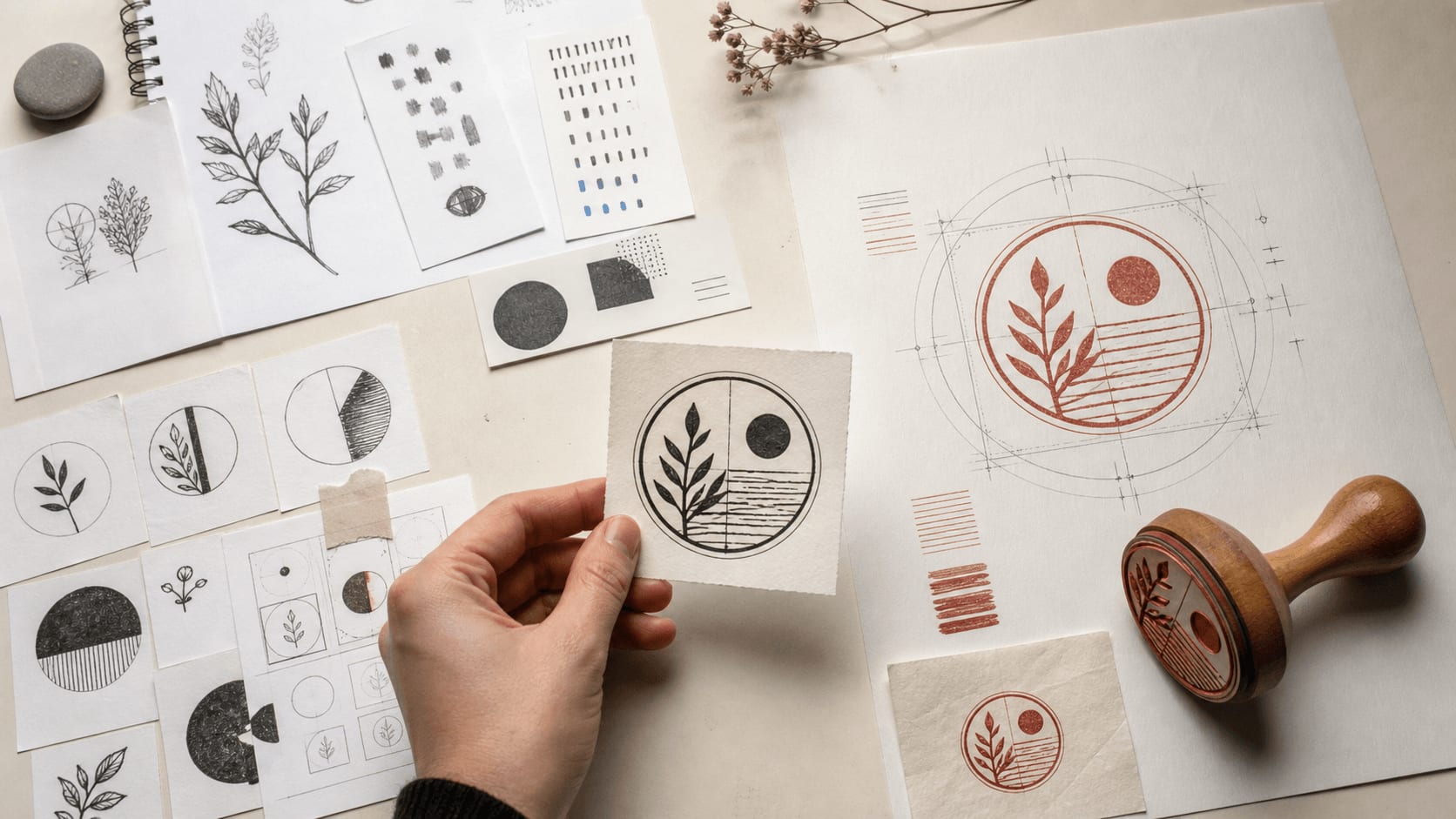
AI speeds up stamp concepts, but exact wording, measured layouts, rights checks, and real-size proofs still need human control. Here is a practical workflow.
Read article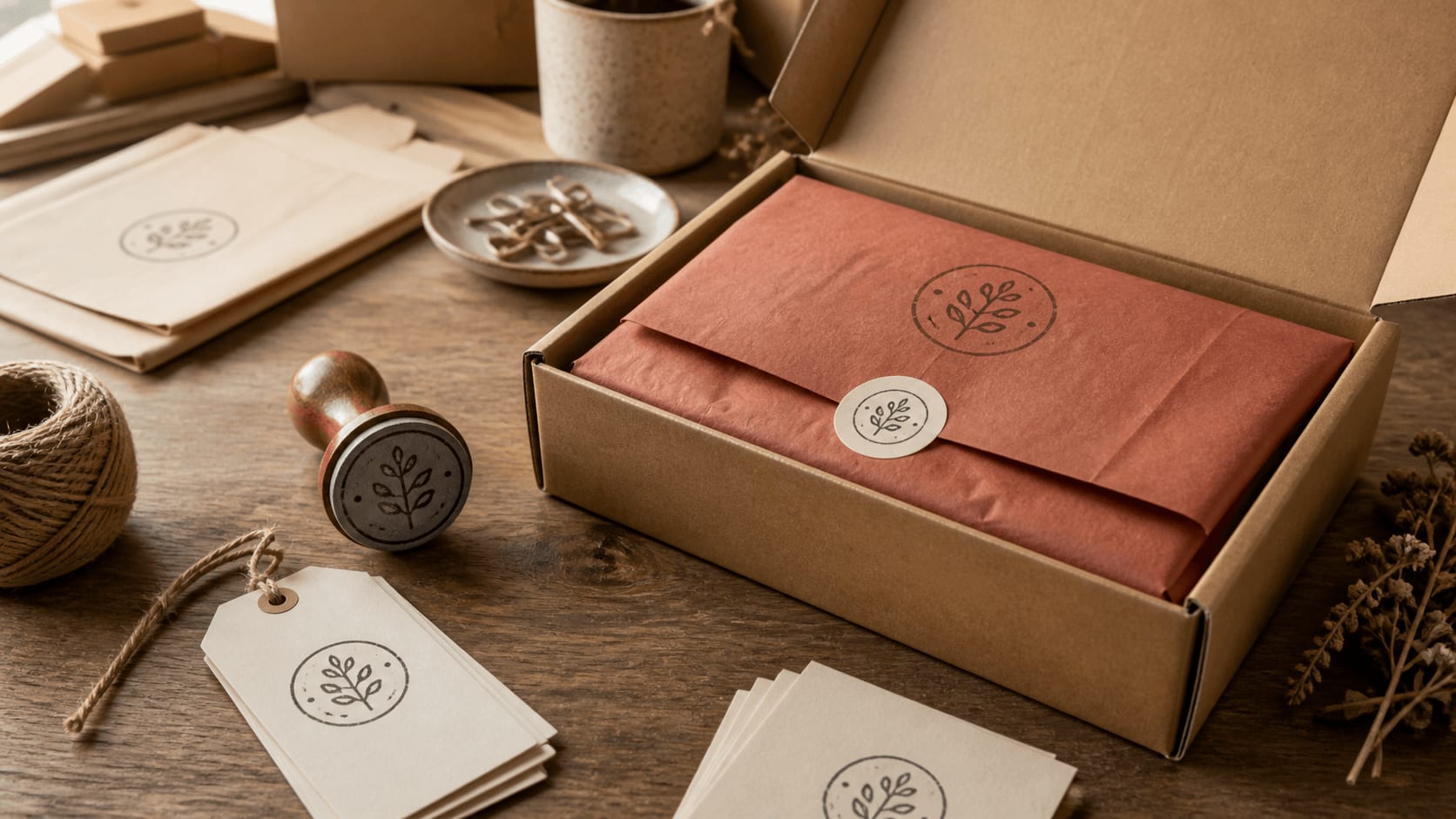
Build a practical packaging stamp system that stays recognizable across boxes, tissue, and tags without forcing the same crowded artwork onto every surface.
Read article
A step-by-step way to turn an editable stamp template into a balanced business mark with clear wording, sensible sizing and useful export files.
Read articleA business stamp is a good first project because it combines a name, a supporting line and a border. Open one of these business stamp templates, replace the sample wording and compare how the layout copes with your own text.
An address, a company name and an approval message each need a different amount of space. The guides in this topic cover the decisions that come before export: choosing a frame, replacing sample layers and making the wording readable. Start with the full text you need rather than choosing a decorative border first. Once the layout works, keep the file format suited to its next use.


Before opening a template, decide where the stamp will appear. A company mark on an invoice, an address on an envelope and artwork for a physical rubber stamp have different constraints. Write down the complete wording and the approximate space available. That gives you something concrete to compare with the examples.
The articles in this category focus on the decisions that make editing easier: choosing a suitable frame, keeping letters readable and separating essential details from optional decoration. Use the online stamp maker alongside a guide and try one change on your own wording. You will learn more from checking a real name at its final size than from copying the proportions of a short sample.
Look for a template with a similar amount of text, not just a border you like. A circle is useful for a name around a central symbol. A rectangle gives an address or several lines of contact details more horizontal space. A short status message may need only one clear line.
Browse editable stamp templates and compare the longest line in each layout. Replace that line first, then decide whether the structure still works. A design that needs every character reduced immediately may be the wrong starting point. Keep the main text readable, remove unused sample details and inspect the whole stamp before spending time on the ink effect.
When a stamp looks crowded, identify where the crowding happens. It may be at the ends of a text arc, between the logo and an inner ring, or in a long secondary line. Adjust the relevant element and compare the result before changing something else. Several simultaneous changes can make it hard to know what actually helped.
Keep a clean version while you experiment. If wear makes a small line difficult to read, reduce the effect before changing the entire layout. If a logo looks soft, check its source image instead of assuming a different export extension will fix it. Each problem has a different cause, and the useful correction is usually quite specific.
The editable design is where you change words and elements; the exported file is what another application receives. Open that file and check its background, dimensions and smallest lettering. Place it in the real document rather than judging it only on a blank viewer.
Compare stamp download packages once you know which formats the next step needs. A transparent image can be enough for a document. A manufacturer may ask for vectors and a particular physical size. Keep the source design alongside a master export so future revisions do not start from a flattened image. For questions about SVG, EPS or document copies, continue with the file-format topic linked below.
A general image editor treats a stamp as pixels. A stamp maker keeps the parts of the design separate: the outer ring of text, the inner border, the centre symbol and any straight lines underneath. You can lengthen a company name and the arc adjusts, change the border without retyping the words, or swap the logo while the text stays where it is.
That structure matters when the stamp changes later. A new address, a second department or a different date line is a small edit in a custom stamp maker and a rebuild in a flattened image. It also lets you set a plate size in millimetres, add controlled ink wear and export the same design in several formats without redrawing it.
Read every line of the stamp aloud, including the small text inside the ring and any sample number left over from the template. Check the spelling of names against the original record rather than from memory. Set the final dimensions and look at the smallest letters at that size, because a large preview makes fine detail look more generous than it will be on paper.
Next, decide where the file is going. A letter or invoice usually needs a transparent PNG; a manufacturer may ask for SVG or EPS; a team that shares documents may want PDF and DOCX copies as well. The guides to digital stamp files explain each format, so you can choose a package that matches the job instead of the largest one available.
Take a template with roughly the right amount of text and replace only the main name. That shows you whether the structure can carry your wording before you spend time on colour or texture. Next, change the supporting line and remove any symbol you do not need. Check the full mark after each step instead of adjusting several layers at once. If the small text is only readable when zoomed in, simplify the content or choose a roomier layout. The useful result is a design that remains clear where it will be used, not one that merely fills the preview.
Keep reading: online stamp maker tips · stamp generator online guides · company seal maker guides.
Stamp makers for this work: restaurant stamp maker · real estate stamp maker · school stamp maker.
A stamp maker is a design tool for the artwork of a stamp: the border, curved or straight text, a central symbol or logo, and the ink colour. Stamp Creator Online runs in the browser, so you can open the online stamp maker, edit every layer of a template and preview the result before downloading a file.
Yes. Start from one of the stamp templates that already holds a similar amount of text, replace the sample wording and change one element at a time. Checking the preview after each change shows you what every adjustment does.
The editor supports round, rectangular and triangular borders, plus square layouts. The stamp generator guides compare how much text each shape can hold before you commit to one.
Designing, editing and previewing are free. Downloading the finished file is a paid step, starting at $2.50 for a transparent PNG. The free stamp maker guides explain what to check before you pay.
No. The site supplies digital artwork. To turn it into a physical stamp, send the file to a manufacturer of your choice. The rubber stamp creator guides cover what a manufacturer usually asks for.


