13 min read
How to Make a Thank-You Stamp Online for Free
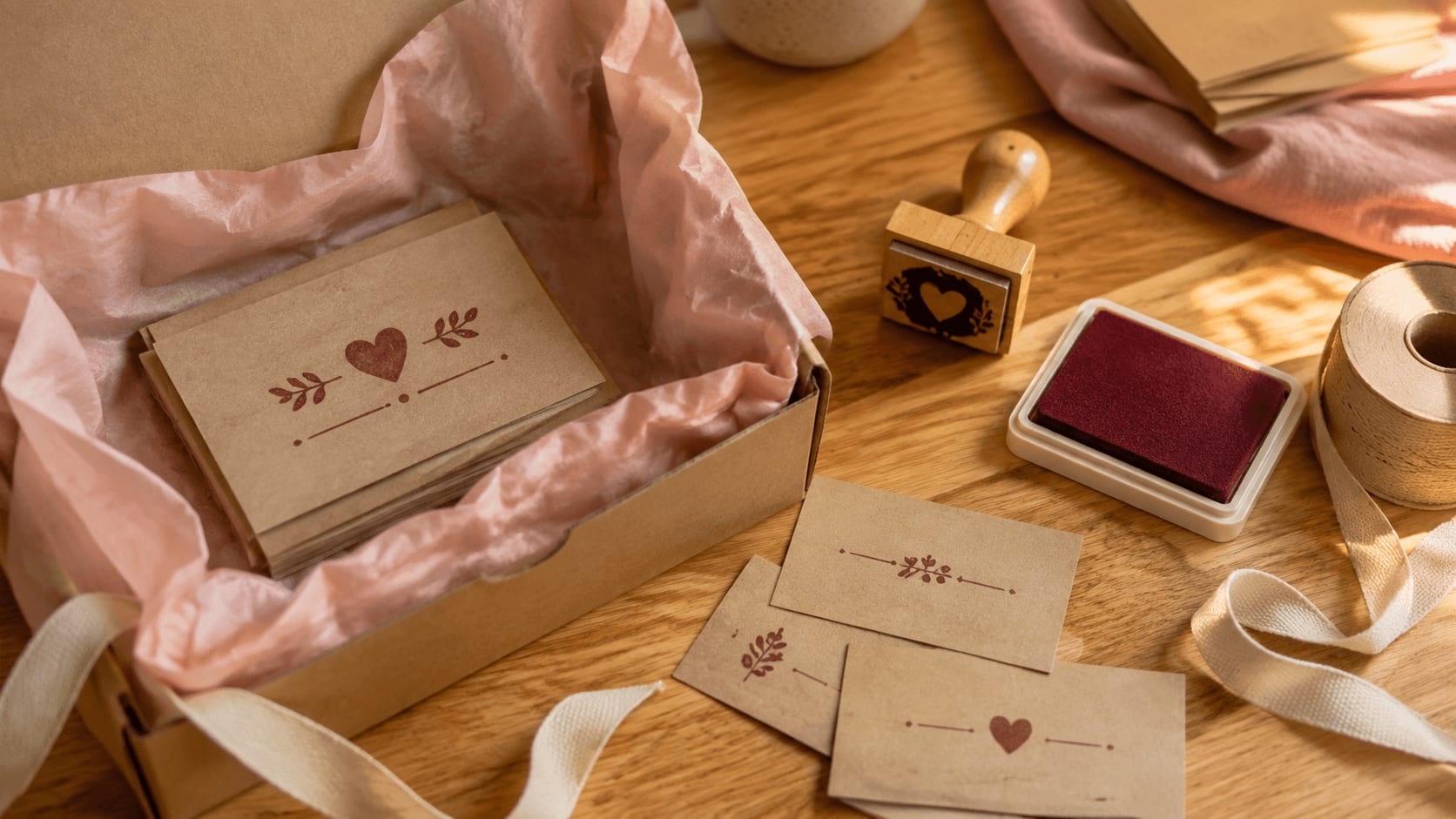
Create a clear thank-you stamp draft for cards, tags, and packaging. Test the wording, shape, motif, actual size, placement, and ink before exporting.
Read articleLearn what you can prepare for free before choosing a paid PNG, vector or complete stamp export.
These guides show what you can do before paying anything: choose a template, edit every layer and preview the result. Use the stamp maker online free of charge until the design is right, then choose only the download you actually need.
Create a clear thank-you stamp draft for cards, tags, and packaging. Test the wording, shape, motif, actual size, placement, and ink before exporting.
Read article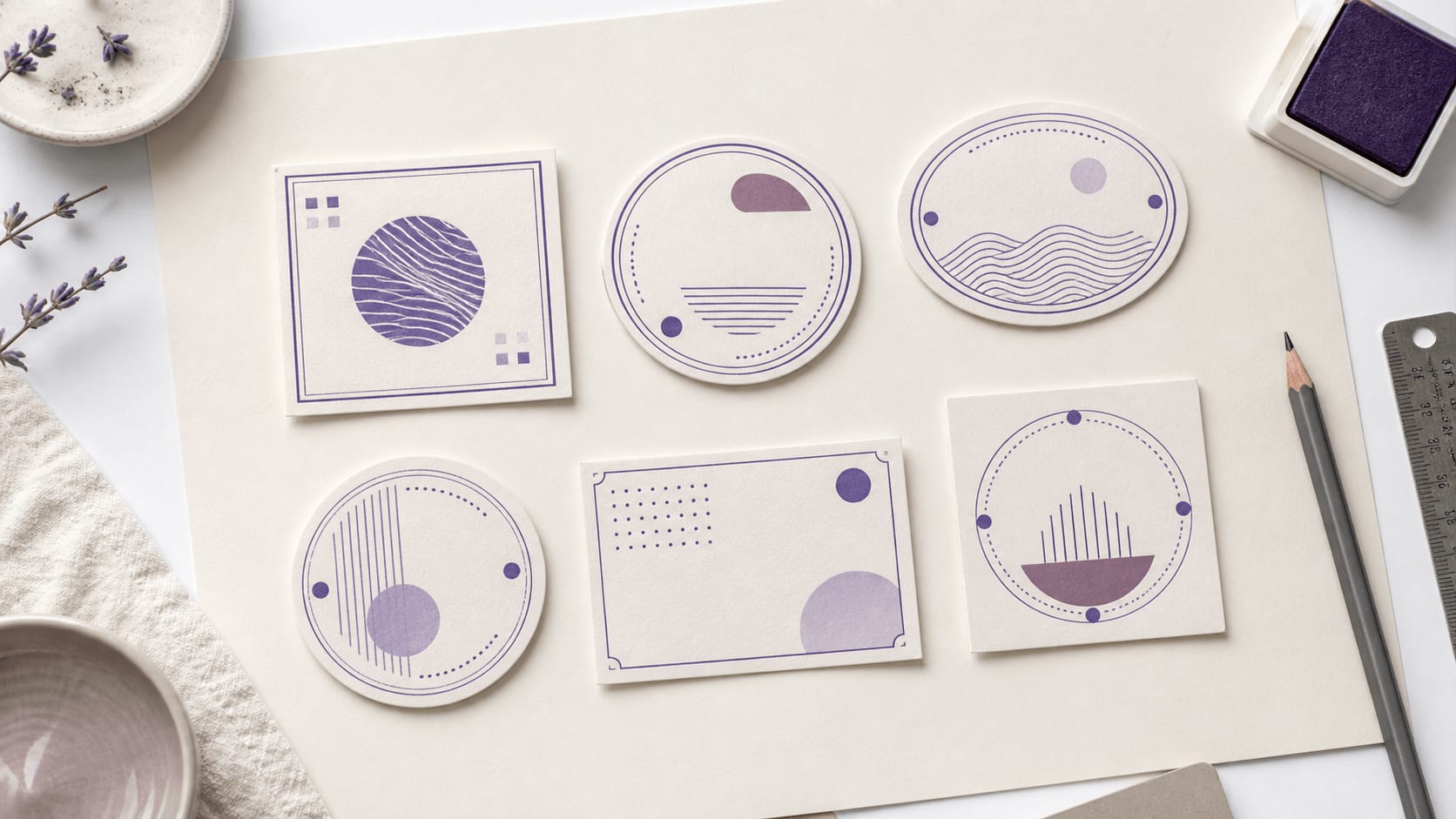
Compare editable stamp templates with real wording, difficult-line stress tests, actual-size proofs, and a weighted scorecard before downloading.
Read article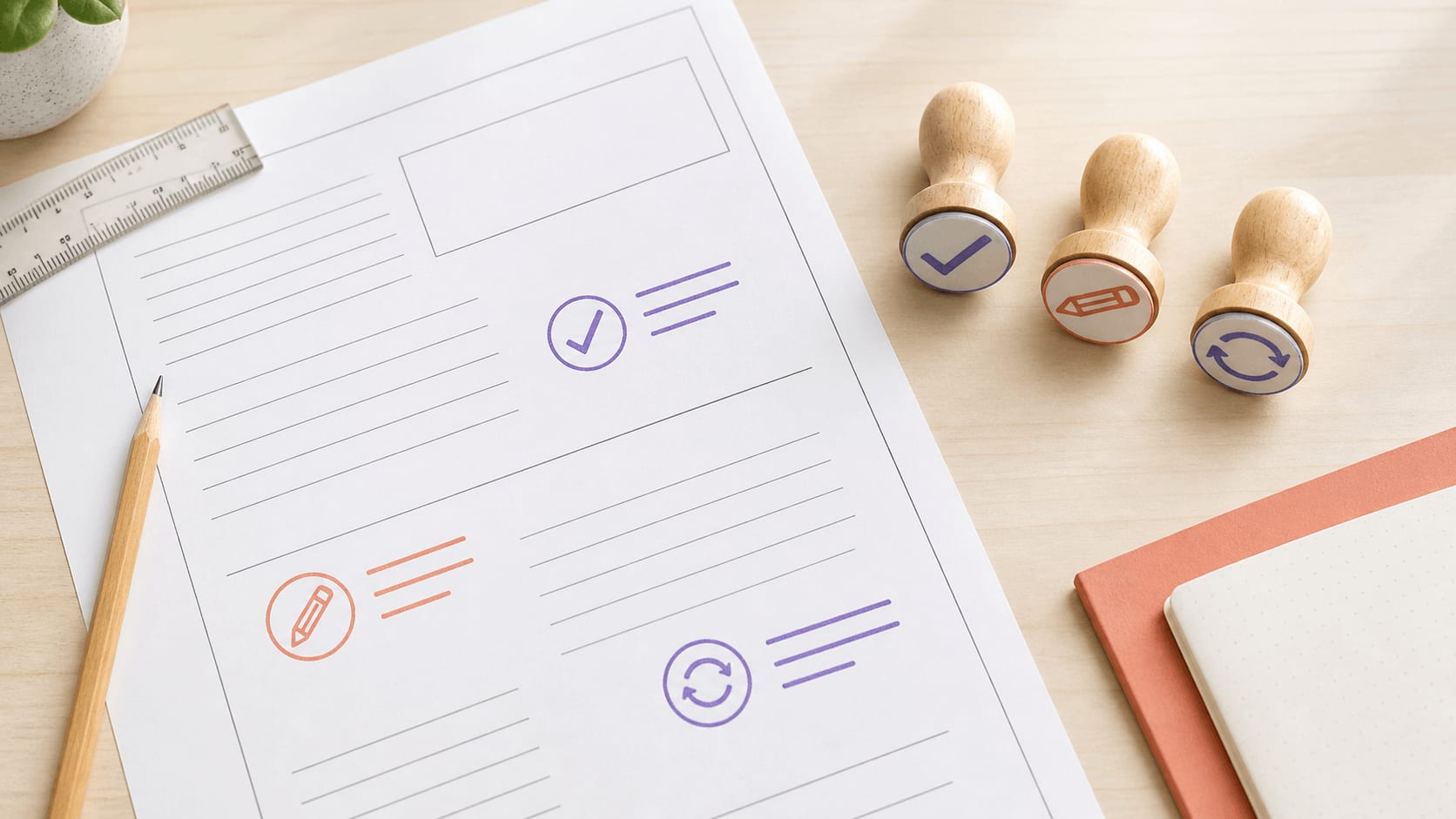
Turn repeated classroom comments into clear, action-led feedback stamps with readable type, simple icons, worksheet tests, and a consistent system.
Read article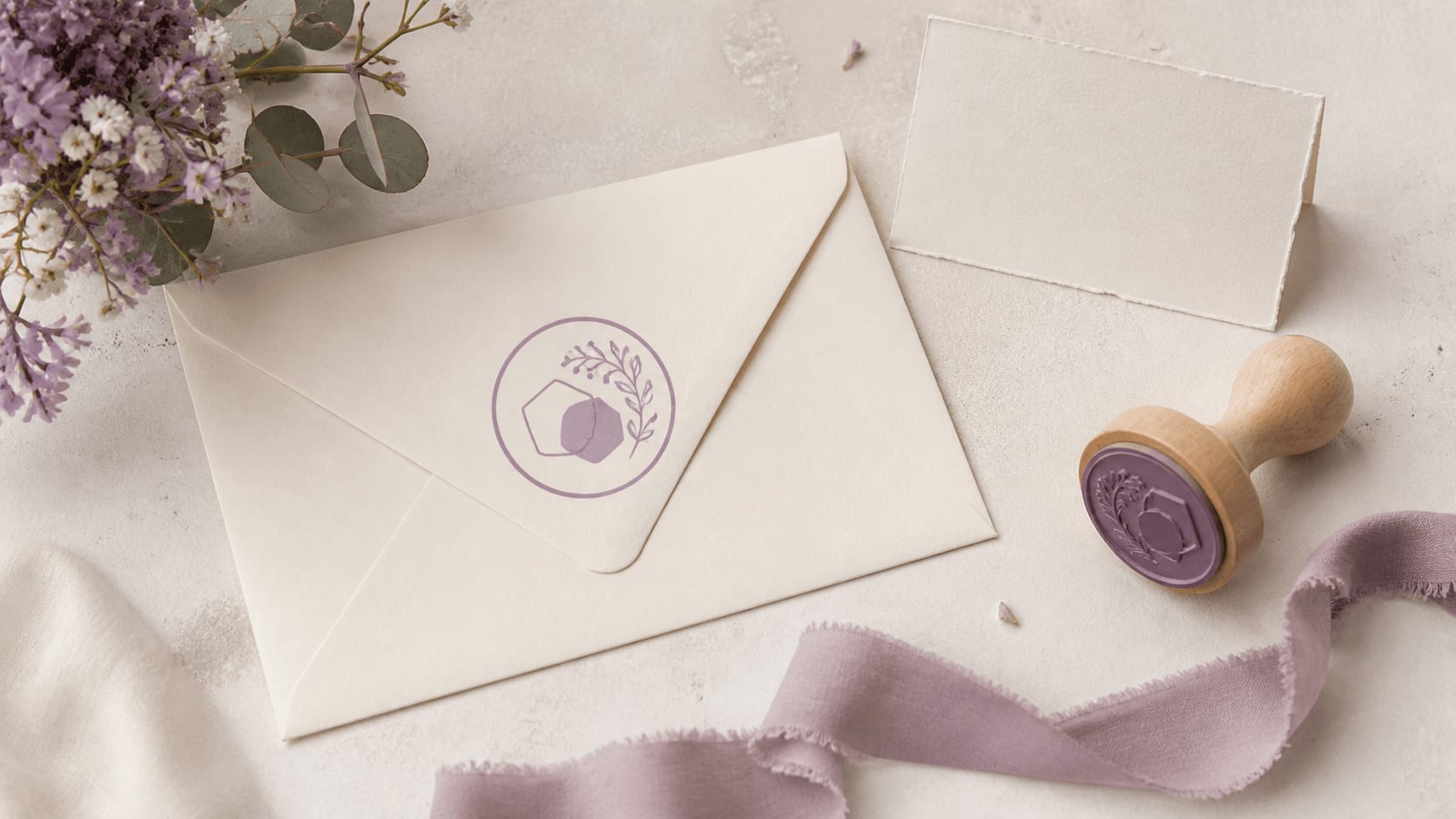
Create a practical wedding stamp system for envelopes, tags, and thank-you notes by testing names, dates, motifs, and small-size proofs first.
Read article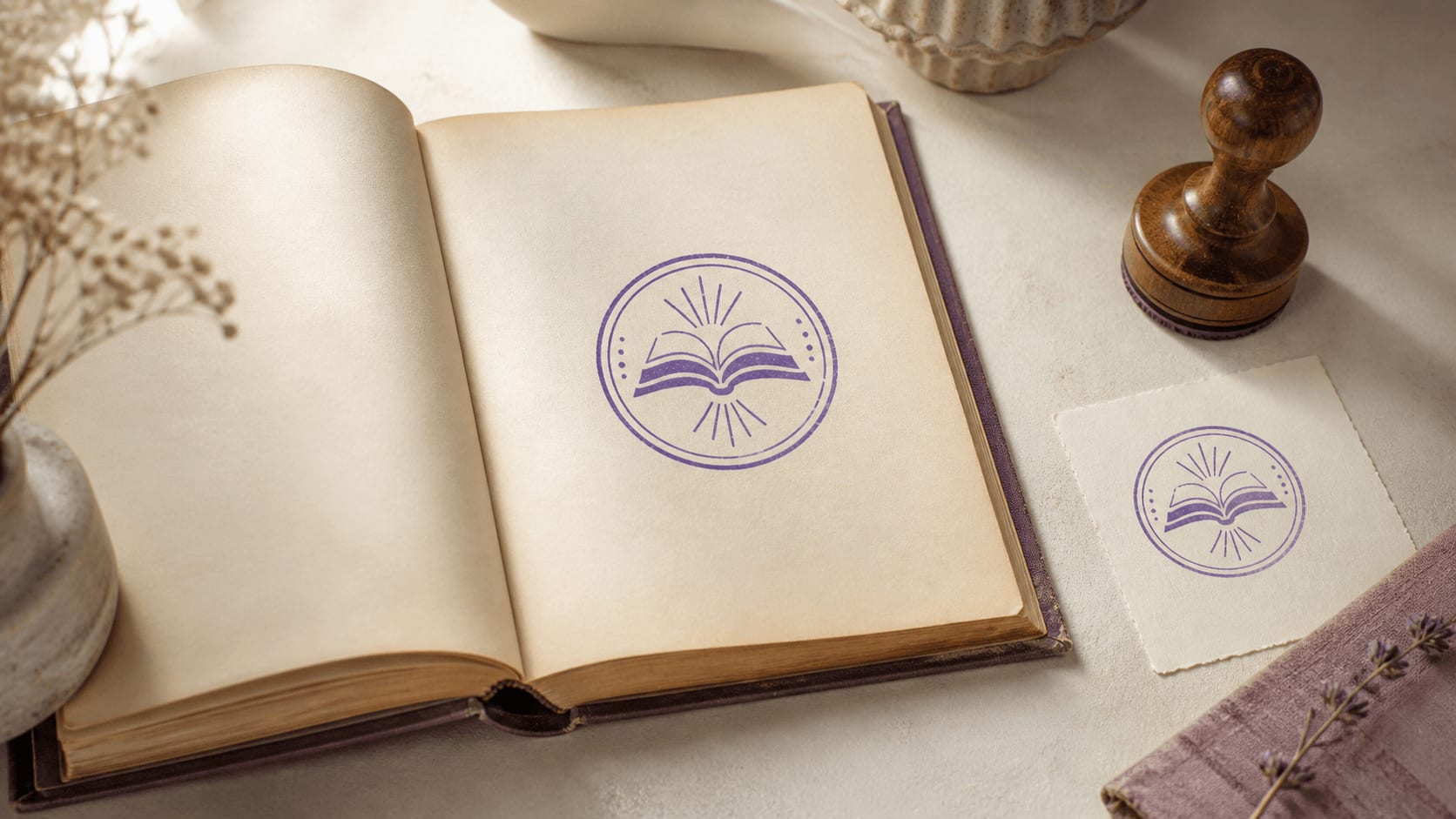
Plan a personal library stamp with durable wording, a readable owner name, a simple motif, and real-page proofs before choosing an export.
Read article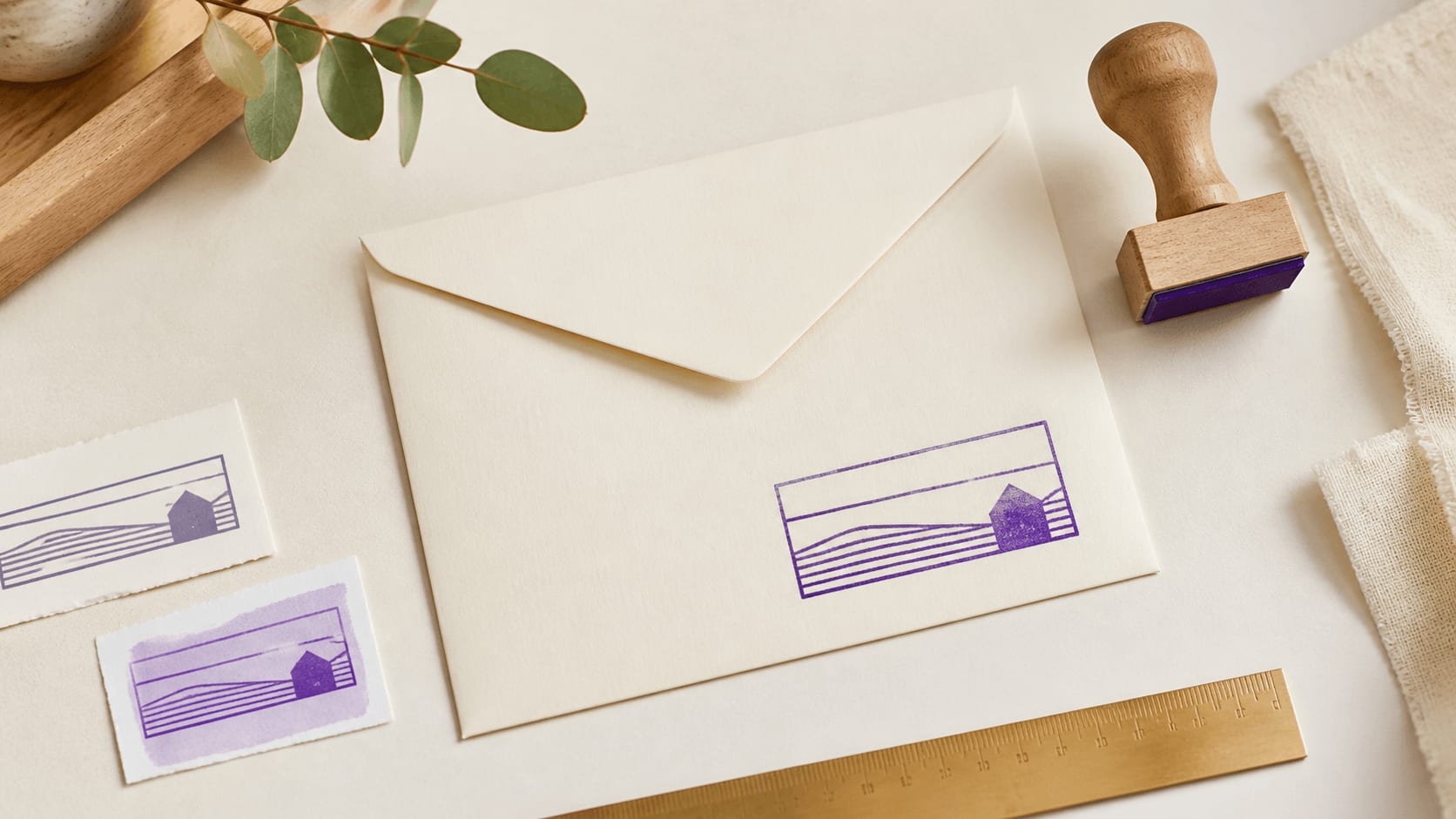
Build and proof a return address stamp with clear hierarchy, practical spacing, privacy checks, and real-envelope tests before choosing an export.
Read articleA return address stamp is one of the most common free projects. These address stamp templates already separate the name, street and postcode into lines, so you only need to replace the sample text and check the spacing.
Choosing a template, replacing its text and previewing the design are free. The final file download is a separate purchase, so use the preview to check names, numbers and spacing first. The articles here explain that distinction and help you avoid choosing a package before you know how the stamp will be used. A document image and artwork for a stamp maker may require different formats.


You can choose a template, replace its wording and inspect the design before buying a download. Use that stage to settle the decisions that matter most: the complete name, the amount of supporting text, the shape and the size. A different file package will not correct a spelling mistake or create space in a crowded layout.
Start in the free stamp maker and try your own wording rather than judging the sample alone. Remove unused details, compare a clean version with any ink effect and check the smallest line. The articles here explain that design-first workflow and the separate step of purchasing the finished files.
When comparing stamp makers, look at what can be edited or previewed and what the final download includes. Those are different stages. On this site, editing and previewing are free; the PNG, vector and complete download packages are paid. The current price page is the place to confirm the available choices.
Compare stamp download prices before checking out, including the formats in the selected package. The vector package includes PNG, SVG and EPS; the complete package adds JPG, PDF and DOCX. Any applicable tax appears at checkout. Choose by the files you will actually use rather than assuming a more expensive option improves the design itself.
A document image and a manufacturing file may have different requirements. If the stamp will go on a letter or invoice, check whether the destination application accepts a transparent PNG. If a producer will make a physical stamp, ask for their preferred dimensions and file format before purchasing.
Check uploaded logos as well as the surrounding text. A bitmap image does not become vector artwork because the container is SVG. If you need a cleaner logo source, resolve that before export. The preview is a useful place to see the issue, but the receiving application or maker should determine which final format is appropriate.
For a first attempt, choose a template close to the amount of text you need. Replace the longest line, then work through the supporting details. A clear name with an open border is easier to assess than a layout filled with tiny words and several decorative rings.
The stamp templates in the library gives you different structures to compare before committing to one. Check the design at its intended size and leave optional details out when they crowd the main message. Once the wording and proportions work, refine colour and texture. Keep the editable source if you expect to revise the stamp, and review the downloaded files after purchase rather than treating the checkout as the final quality check.
Browsing templates, editing text, fonts, shapes, borders, logos, colour and ink wear, and previewing the stamp are all free. You can try as many versions as you like without entering payment details. The paid step is the final file: a PNG package costs $2.50, the vector package with PNG, SVG and EPS costs $2.90, and the complete package adds JPG, PDF and DOCX for $3.50.
If you make stamps regularly, monthly, yearly and lifetime plans are an alternative to paying per design. Compare the stamp download prices with how often you expect to export, and check the final total at checkout, where any applicable tax is shown.
A return address stamp for envelopes, an ownership mark for a home library, a feedback stamp for classroom work, a thank-you stamp for packaging and a monogram for wedding favours are all small designs that suit a free first attempt. Each one needs only a few lines of text and a simple border.
Start from the closest layout: the wedding stamp templates for names and dates, the school stamp templates for classroom marks, or the library stamp templates for book ownership. Replace the sample wording, keep the design simple enough to read at a small size, and preview it before you decide whether to download.
The free editing stage is useful for resolving details that no file format can fix later: the wrong name, a crowded text arc or a logo with an unwanted background. Finish those checks before comparing download packages. Then decide whether you need an image for a document or artwork for another production step. A more expensive package is useful only if its additional formats serve that job. For a manufactured stamp, ask the producer what they accept before buying a file. Taxes can affect the final amount, so review the checkout total rather than treating a package price as every possible charge.
Keep reading: stamp maker guides · online stamp maker tips · digital stamp files.
Stamp makers for this work: wedding stamp maker · library stamp maker.
Designing, editing and previewing are free, with no limit on how many versions you try. Downloading the finished file is paid. You can open the free stamp maker and finish the whole design before deciding.
The PNG package is a one-time $2.50 purchase and suits most document uses. Choose the vector or complete package only when you need SVG, EPS, JPG, PDF or DOCX. The page with PNG and SVG stamp downloads compares all options.
You can design and preview it for free. Start from an address stamp template, replace each line and check that the postcode has enough width before you download.
Yes. Open as many stamp templates as you like, compare them with your own wording and keep the one that reads best. Payment is only needed for the file you finally download.
No. The service supplies digital files only. A manufacturer can produce a physical stamp from your artwork; the rubber stamp creator guides explain what they usually need.


