 Circle stamp
Round Rubber Stamp with Custom Text
Custom stamps
12 editable designs
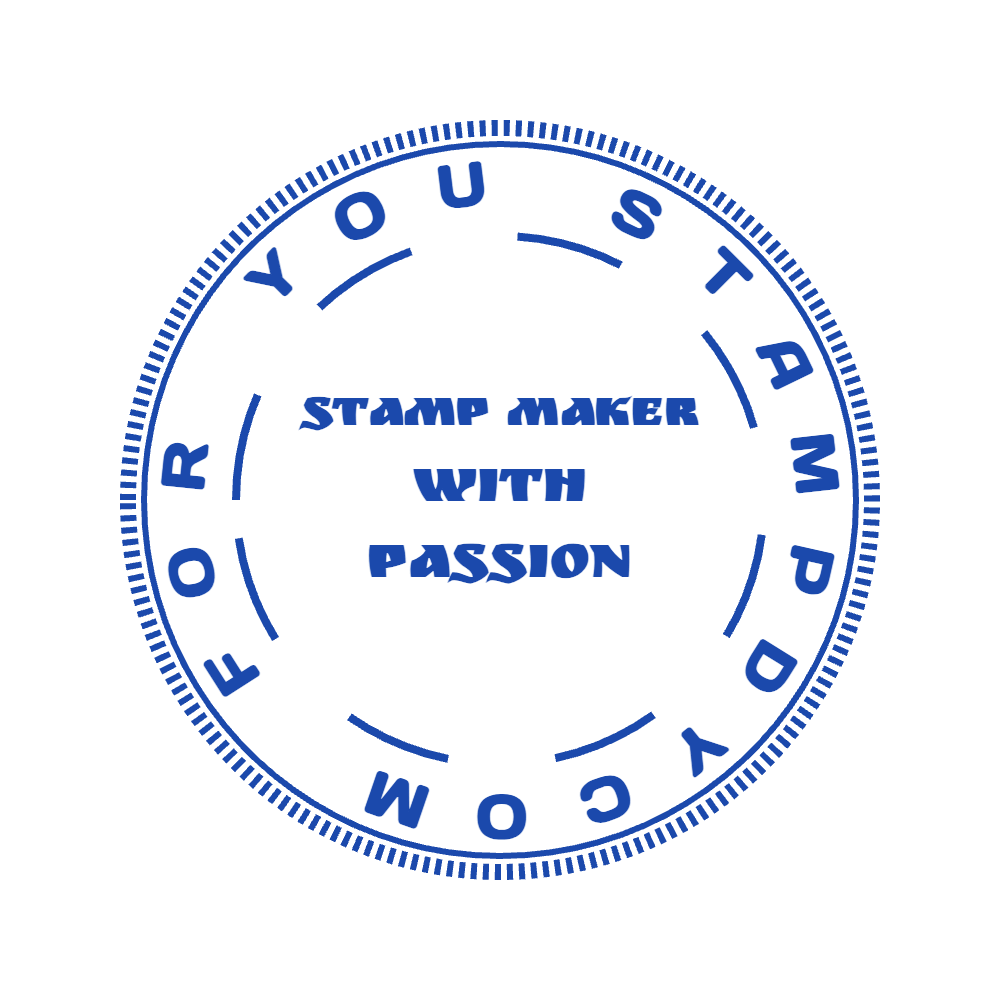
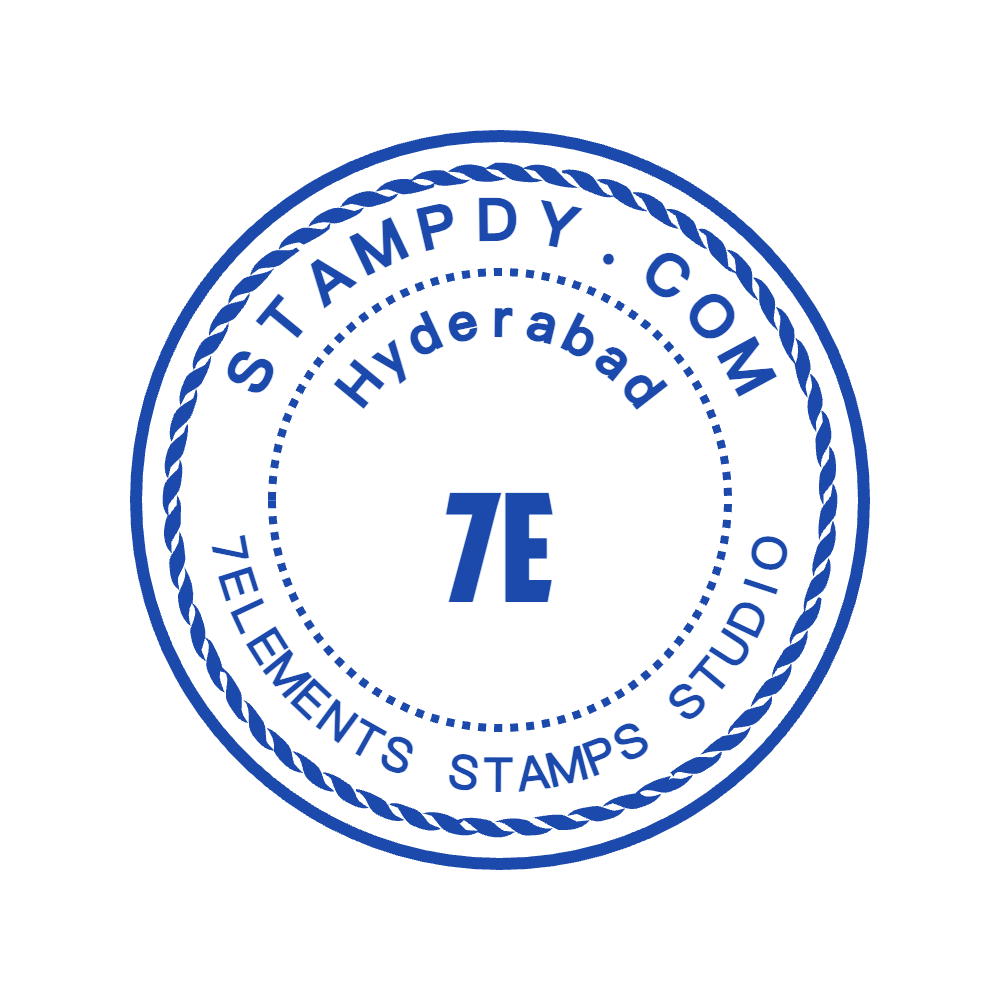
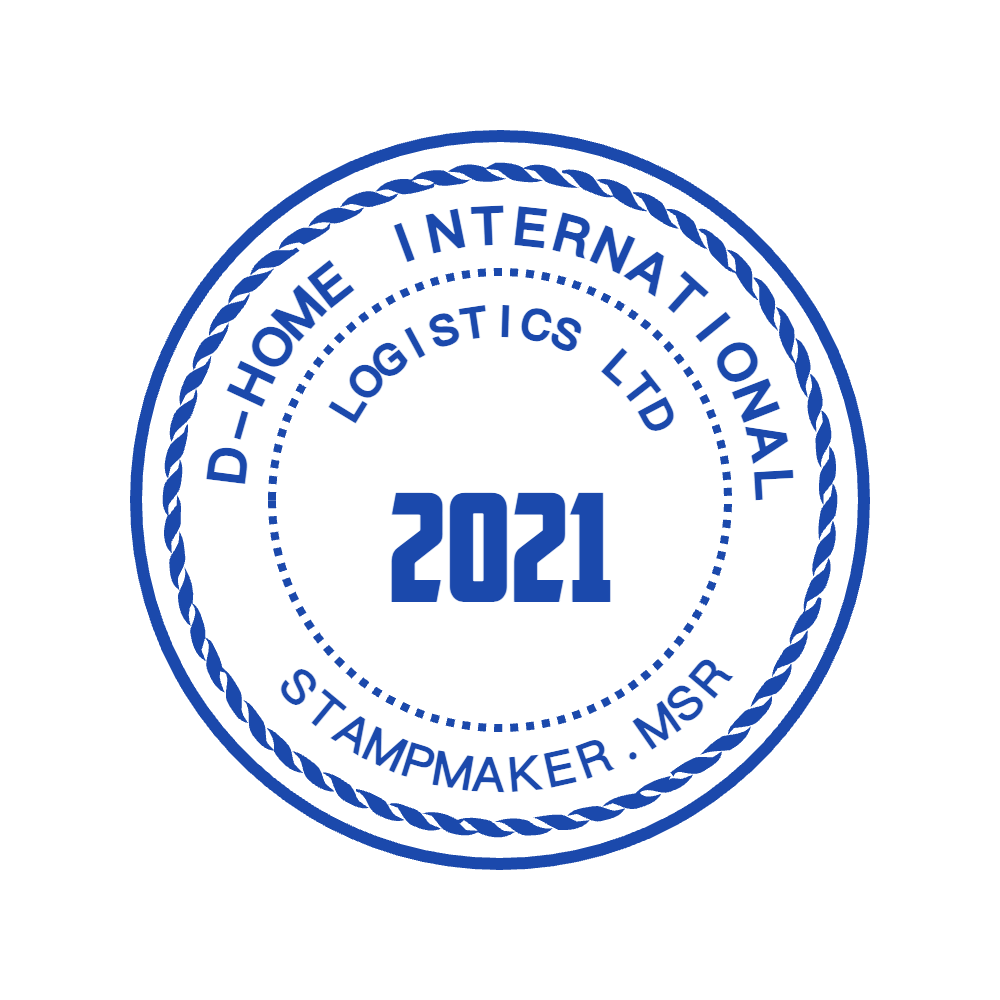
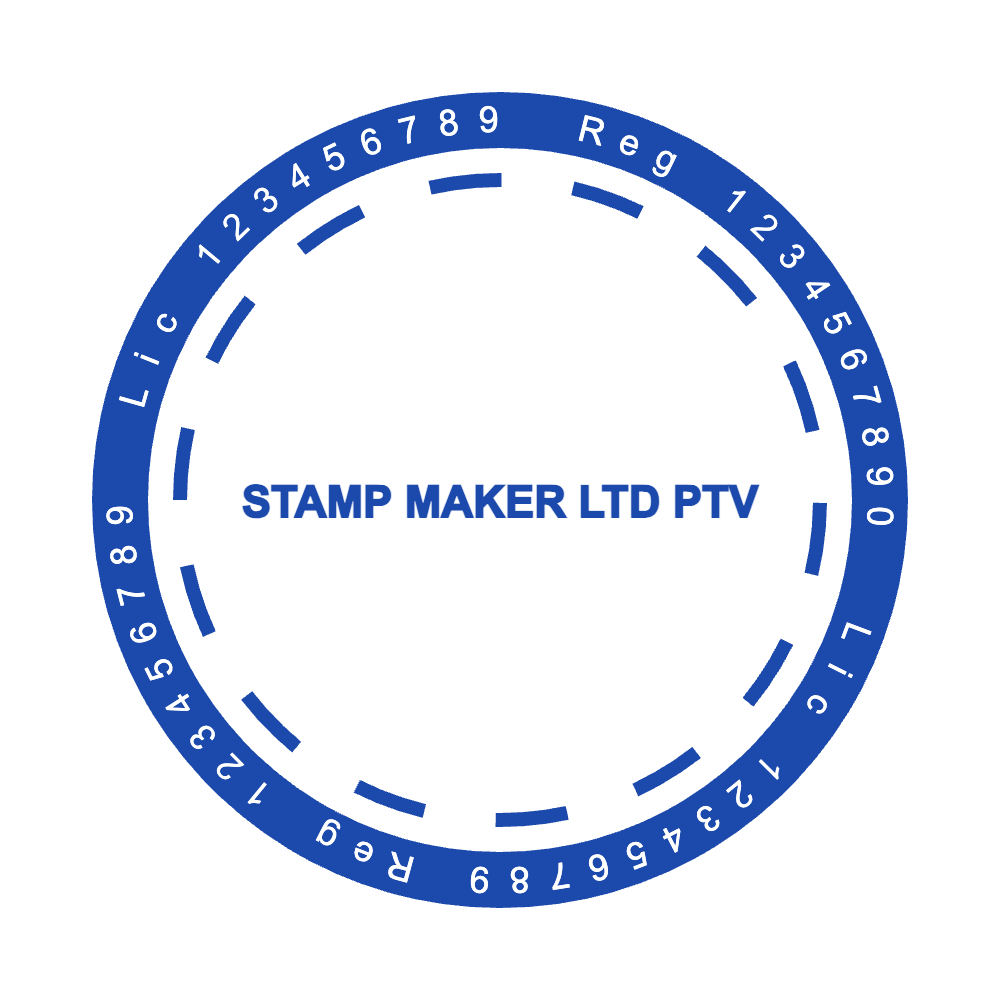
This collection is for ideas that do not fit a standard company, address or approval stamp. It gives makers, small businesses and individuals a useful structure for a name, label, short message or logo while leaving every text, image and border layer open to adjustment.
Every preview opens as editable layers in the online stamp maker, so you can change the wording, border, symbol, dimensions and ink color before choosing a download.
Circle stampCustom stamps
 Rectangle stamp
Custom stamps
 Circle stamp
Custom stamps
 Circle stamp
Custom stamps
 Circle stamp
Custom stamps
 Circle stamp
Custom stamps
 Circle stamp
Custom stamps
 Circle stamp
Custom stamps
 Circle stamp
Custom stamps
 Circle stamp
Custom stamps
 Circle stamp
Custom stamps
 Circle stamp
Custom stamps
Showing 1–12 of 12 templates
Write down the complete message before choosing a frame. A short name can sit comfortably in a circle, while an address or multi-line instruction generally needs a rectangle. Keep the first version simple: you can add a border or symbol after the wording reads well. If the message is the main element, look through the text-only layouts too.
Custom stamps can carry a maker’s name, a short packaging message, a project label or a personal mark. Write the exact message first and decide which words must be noticed immediately. A few large words leave room for a distinctive border; a longer message may work better with a quieter frame.
Try a version with only the essential words before adding a symbol. It is easier to judge the shape when the text already works. The stamp maker guides explain how to revise individual layers without losing sight of the complete design.
A small business might need one mark for packaging, another for a thank-you card and a third for internal checking. They can share a font and border treatment without carrying exactly the same wording. Make the job of each stamp clear instead of using one crowded design for every purpose.
Keep the main name consistent across the versions and give each message enough space. If you change the logo or lettering, check all related designs rather than assuming the adjustment fits every shape. A rectangular label and a circular mark can belong together while using different text arrangements.
A digital image on a website and an ink impression on a paper bag will not reproduce fine details in the same way. Test the design at the size and on the layout where it will be used. For physical production, discuss the actual material with the maker and keep a clean, untextured version of the artwork.
For document placement, export a transparent image and preserve its proportions. If a design needs a very different shape, return to the online stamp maker and adjust the editable elements instead of stretching the exported image.
Sketch the stamp in words first: who it is for, where it will be pressed and what a viewer should notice in one second. Then choose a frame that suits those answers. Round layouts favour names and short phrases, rectangles carry two or three lines, and the triangular shape works for playful badges or directional labels. Open the closest template in the stamp generator online and delete any layer you will not use before adding new ones.
Build up gradually. Add the main text, set its font and spacing, then decide whether a border, divider or icon actually helps. If you upload an image, use a transparent PNG or SVG and resize it until it sits inside the frame with clear space on every side. Finish with appearance settings: ink colour, opacity and a touch of wear if the mark should look hand-pressed. Check the result at its real size in millimetres. For a stamp built around artwork you already own, the logo stamp templates start with an image in place.
Custom stamps fill the gaps between standard categories. A potter might press “Handmade by Jun” onto tissue paper, a bookbinder could mark endpapers with a tiny monogram, and a coffee roaster can stamp roast dates and bean origins on kraft bags. Gardeners label seed packets with variety names, board-game designers mark prototype cards “Playtest copy”, and event organisers press a simple “Admitted” mark onto tickets. A family might even stamp recipe cards with “From Grandma’s kitchen”.
Each idea works best when the stamp does one job. A roaster that wants both a logo and a date can make two marks rather than squeezing both into one circle. Packaging stamps often look better with slight wear, while labels that must be scanned or read quickly stay cleaner without it. Try the mark on a scrap of the real material before committing, because kraft paper, card and fabric each take ink differently. The online stamp maker tips on our blog cover combining fonts, icons and borders without overcrowding a small design.
For a handmade product, a small name and a short message can work better than a full contact block. Type the message first, then decide whether an icon adds information or merely takes up space. Try the result at the dimensions of the label or tag. The design should still make sense when the surrounding packaging has its own text.
Save a clean version before adding an aged appearance. A digital texture may suit a mockup, while a maker may need solid lines for the physical stamp.
Compare text stamp templatesRelated collections: logo stamp templates · text stamp templates · design seal templates. For wording and layout advice, read the online stamp maker tips.
Pick a template close to your idea, then edit the text, font, border and image layers until it matches what you pictured. Set the plate size in millimetres and preview the result. The online stamp maker is free to use for design and preview; you pay only when you download a finished file.
Yes. Upload a logo or drawing, ideally as a transparent PNG or SVG, and position it inside the frame. Line art with clear gaps reproduces better than photographs or soft shading. Remember that a bitmap image stays a bitmap inside an SVG export, so keep the original artwork if a maker needs vectors.
It depends on the surface. Measure the space on the label, card or bag where the mark will appear, then enter that size in millimetres in the editor. Check the smallest text at that size rather than zoomed in. If a manufacturer will produce the stamp, ask which plate sizes they offer before you start.
No. Stamp Creator Online provides downloadable files only, with no physical stamp, ink pad or shipping. You can send the vector package, which includes SVG and EPS, to a local manufacturer. The guide to digital stamp files explains which format a producer is most likely to request.
Browse every stamp category, or open the blank editor when the finished mark needs a completely custom structure.